
- Enable Reports. Saves a report next to each set of kits, showing how every sample was read and placed. If a pack came out wrong, this shows why.
- Verbose Logging. Writes extra detail to the main log. Only needed if I ask for it. It’s only in Preferences.
- Send Support Files. Asks what went wrong, bundles your logs, settings and recent reports into one
.zip, and opens an email for you to attach it to.
Right-clicking the Kit Maker 3 logo opens a Troubleshooting menu with Send Support Files…, Send License Log…, Submit a Bug…, Reveal Main Log, Reveal License Log and Reveal Config in Finder, and Enable Reports.
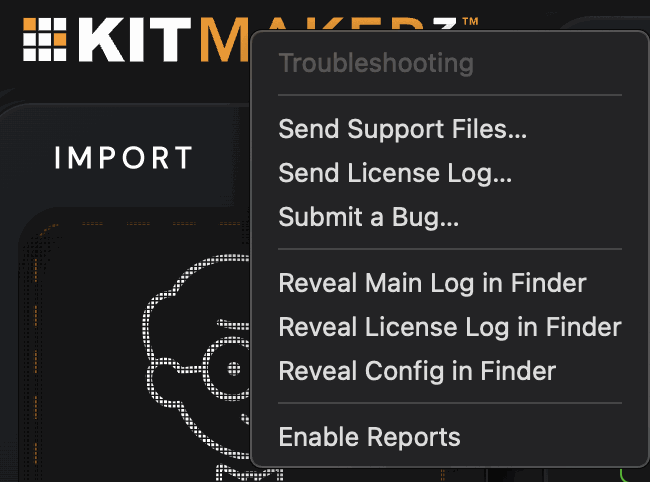
Submit a Bug… is also in the Help menu. You tell me what happened, and the app gathers everything I need into one file. Step by step with pictures: Found a bug?