
Make Ableton Drum Kits from Your Sample Packs, Automatically

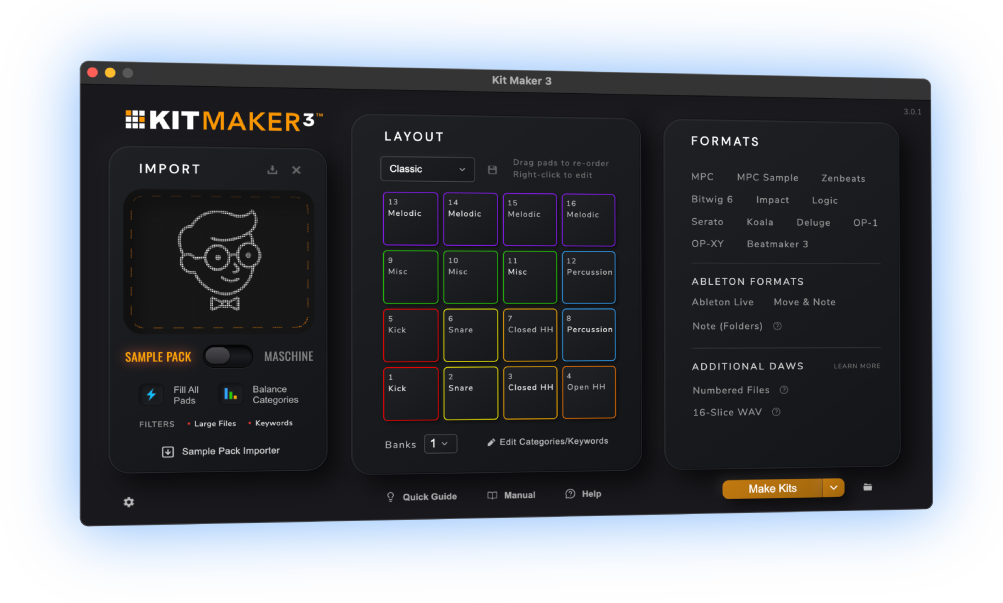
Kit Maker turns your drum sample packs, Maschine Expansions and MPC Expansions into organized, ready-to-load Drum Rack kits for Ableton Live 10, 11 and 12, plus Push 3 standalone. Import your drum packs, click Make Kits and your packs are automatically made into Ableton kit presets, ready in your User Library.
$39 — one-time purchase. No subscription.
 As featured on Native Instruments blog
From Sample Packs to Ableton Drum Kits
- 1
Drop in your packs
Drum sample packs, Maschine Expansions and MPC Expansions are all accepted.
- 2
Kit Maker builds the kits
Automatically, and made in a consistent pad layout.
- 3
Your kits are ready to load
Presets are made, organized and ready to load in Ableton Live, Move and Note.
Ableton Drum Racks, organized and ready to load
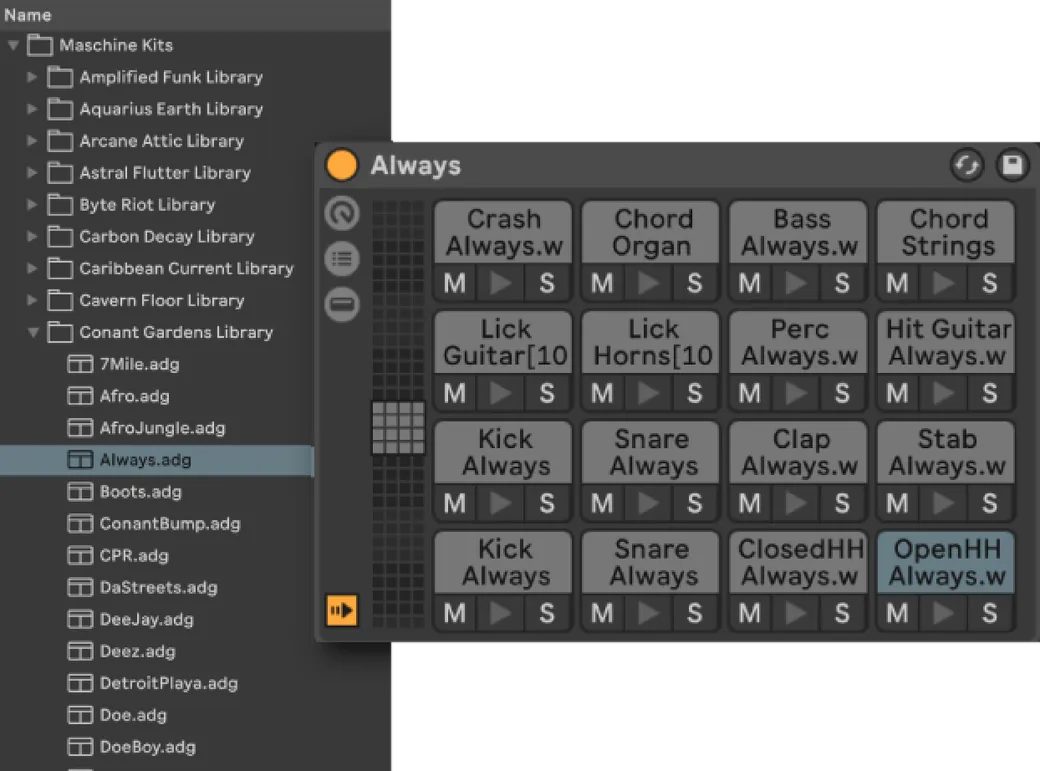
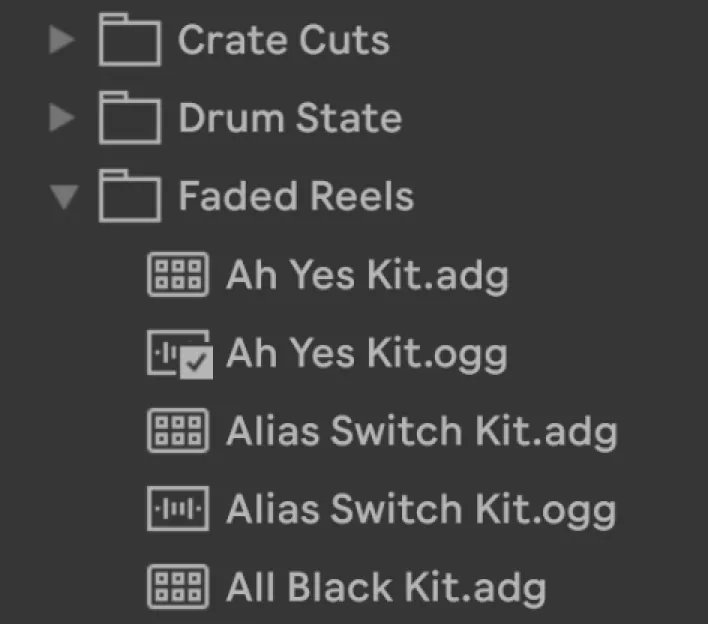
Every kit shows up in your User Library › Presets › Instruments › Kit Maker Kits as a labeled Drum Rack, with kicks, snares and hats already on the right pads. Drag the Kit Maker Kits folder onto your Places sidebar and loading a new kit is a click away, in the desktop app and from Push.
Want to fill multiple banks? Kit Maker can fill up to seven banks in one preset, so each preset has plenty of sounds.


Convert your Maschine Expansion kits to Ableton, too
Own Native Instruments Maschine Expansions? Kit Maker scans them and rebuilds their drum kits as Ableton kits. You get your Maschine sounds directly in Live, without changing how you work. The Maschine Factory Library works too. See how to use Maschine in Ableton →
Simpler or Drum Sampler, your choice
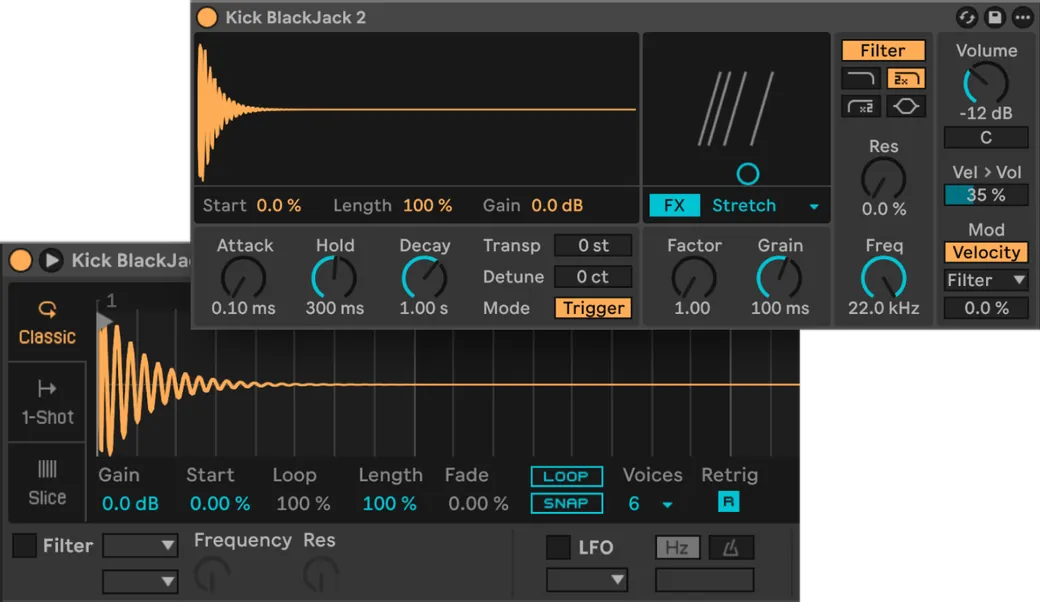
Kit Maker can build kits for Ableton’s Simpler or the newer Drum Sampler. Both play on Push 3 in standalone mode.
Hear a kit before you load it
Every kit comes with an audio preview, saved right next to its preset in the Ableton browser. Click the preview to hear the kit, double click the kit to load it. Sample Pack Kit previews are generated. Maschine kits use the original Maschine previews.
Swap kits, hear new sounds on your patterns
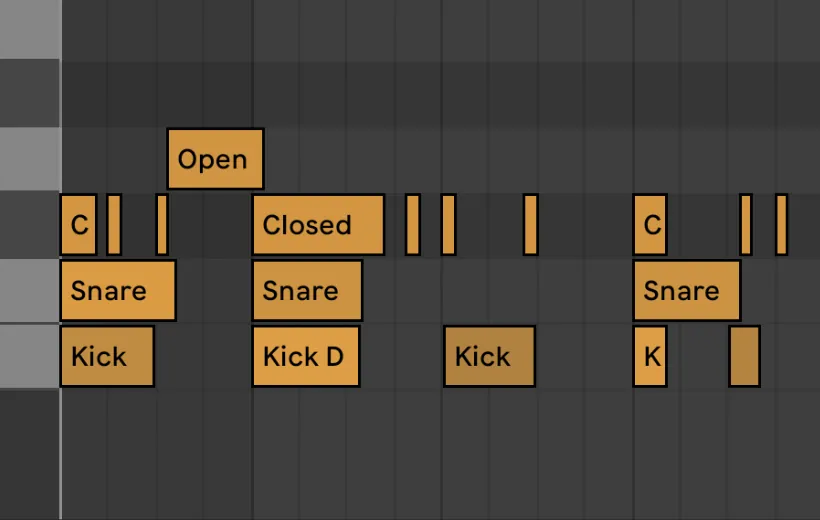
Kits use a consistent layout from kit to kit. Load a different kit on your drum pattern and hear your groove with brand new sounds.
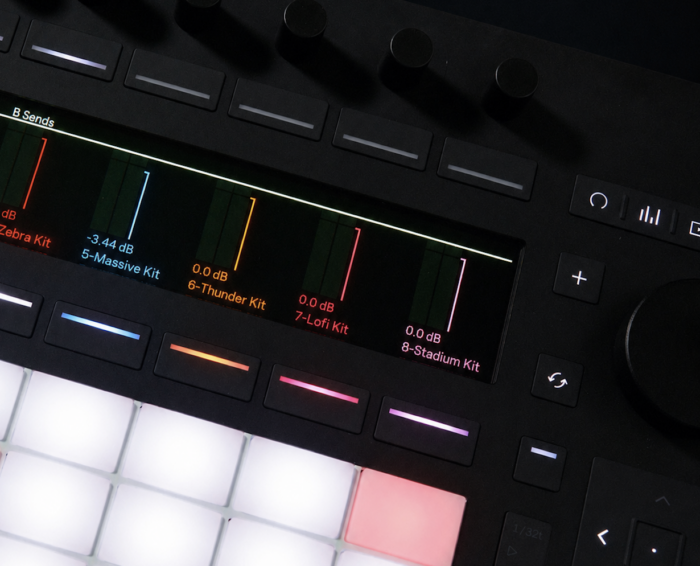
Play on Push 3 Standalone
Kits transfer to Push 3 standalone along with their audio preview files. Transferring to the Push is as easy as dragging your pack folders into a Push User Library.
Your Push needs to be running Live 12.

“Kit Maker has been an excellent resource for music producers working across multiple platforms for years. Now with more expanded options, it’s better than ever. Great tool for the production community & one that all should have.”
msimp, founder of MSXII Sound Design
As Seen On






“A very useful tool, not just for converting NI stuff, but even your own custom packs.”
— Ave Mcree“A super easy way to convert the expansions.”
— Sanjay C, Native Instruments Blog“Very easy to use.”
— Jef GibbonsWorks with Ableton Live
Kit Maker builds standard Ableton Drum Rack presets (.adg) that load in Ableton Live through your User Library, on Mac and PC.
Ableton Live 10 or higherDrum Sampler kits need Live 12.1 or higher. Push 3 standalone needs Live 12.
macOS (Apple Silicon) · Windows
Ableton Push (incl. Push 3 and Push 3 standalone)
Drum sample packs (Splice, Loopmasters & more) · Native Instruments Maschine Expansions & Factory Library
Not affiliated with Ableton or Native Instruments.
Make Kits for Ableton Move & Ableton Note
Your one $39 purchase covers every Ableton format: Live, Move, and Note.
Kit Maker builds those kits too.

Questions, answered
Where do the kits show up in Ableton Live?
In your User Library, under Presets › Instruments › Kit Maker Kits, organized by pack. Each pack folder keeps its samples inside it, so packs can be moved freely. Add the Kit Maker Kits folder to your Places sidebar for one-click access in Live.
Which version of Ableton Live do I need?
Ableton Live 10, 11 or 12, any edition that loads .adg Drum Rack presets. Simpler kits work in all three. Drum Sampler kits need Live 12.1 or newer.
Can I use these kits with Ableton Push?
Yes. For both Push standalone and as a controller. When Push is controlling Live on your computer, open your kits from the Places sidebar. For Push 3 standalone, drag your pack folders into the Push User Library from Live’s Places browser, and the samples and audio previews will show in your Push browser. Simpler and Drum Sampler kits both play on the device. Your Push needs to be running Live 12. Full steps: Push 3 standalone in the Kit Maker manual.
Can it really convert my Maschine Expansions?
Yes. Kit Maker scans Native Instruments Maschine Expansions (and the Factory Library) and rebuilds those drum kits as Ableton Drum Racks, with a few limitations. Native Instruments has even featured it as an option for Expansion owners.
Do I need to own the sample packs already?
Yes. Kit Maker organizes packs you provide; it doesn’t include sounds of its own. Drop in the drum packs (or Maschine Expansions) you already own and it builds the kits.
Is it a subscription?
No. Kit Maker is a one-time purchase of $39. Buy it once, use it as long as you like.
Mac and PC?
Both. Kit Maker runs on macOS (Apple Silicon) and Windows.
Still have questions? Visit the Kit Maker FAQ, or make kits for Ableton Move.
Start making Ableton kits from packs you already own
$39 — one-time purchase. No subscription. · For Mac & PC