
Make MPC Drum Kits from Your Sample Packs, Automatically

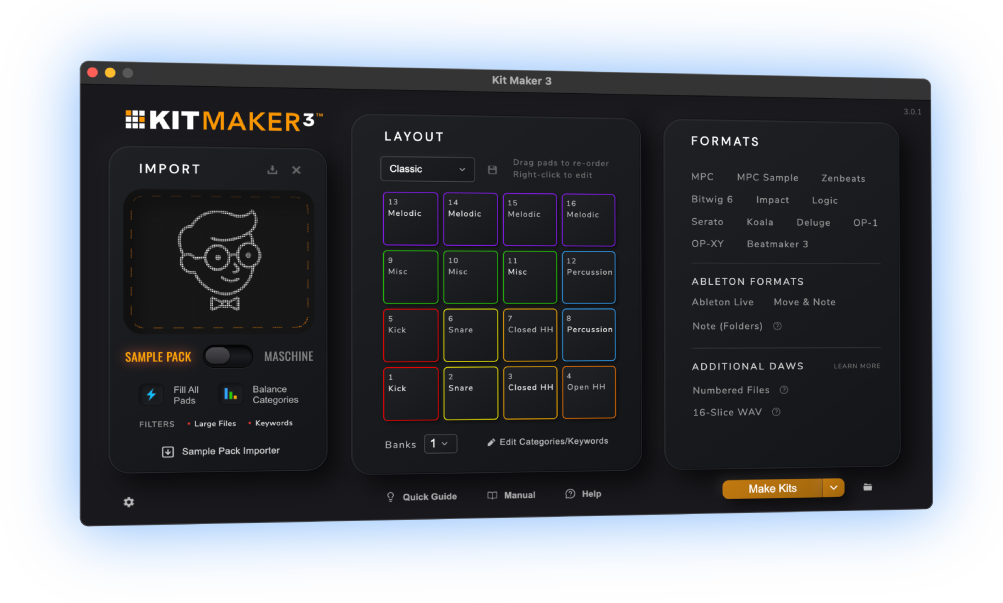
Kit Maker turns your drum sample packs and Maschine Expansions into organized, ready-to-load MPC drum kits. Import your drum packs, click Make Kits and your packs are automatically made into MPC kit presets.
$39 — one-time purchase. No subscription.
 As featured on Native Instruments blog
From Sample Packs to MPC Drum Kits
- 1
Drop in your packs
Drum sample packs and Maschine Expansions are both accepted.
- 2
Kit Maker builds the kits
Automatically, and made in a consistent pad layout.
- 3
Your kits are ready to load
Presets are made, organized and ready to load on your MPC.
On your MPC, organized and ready to load
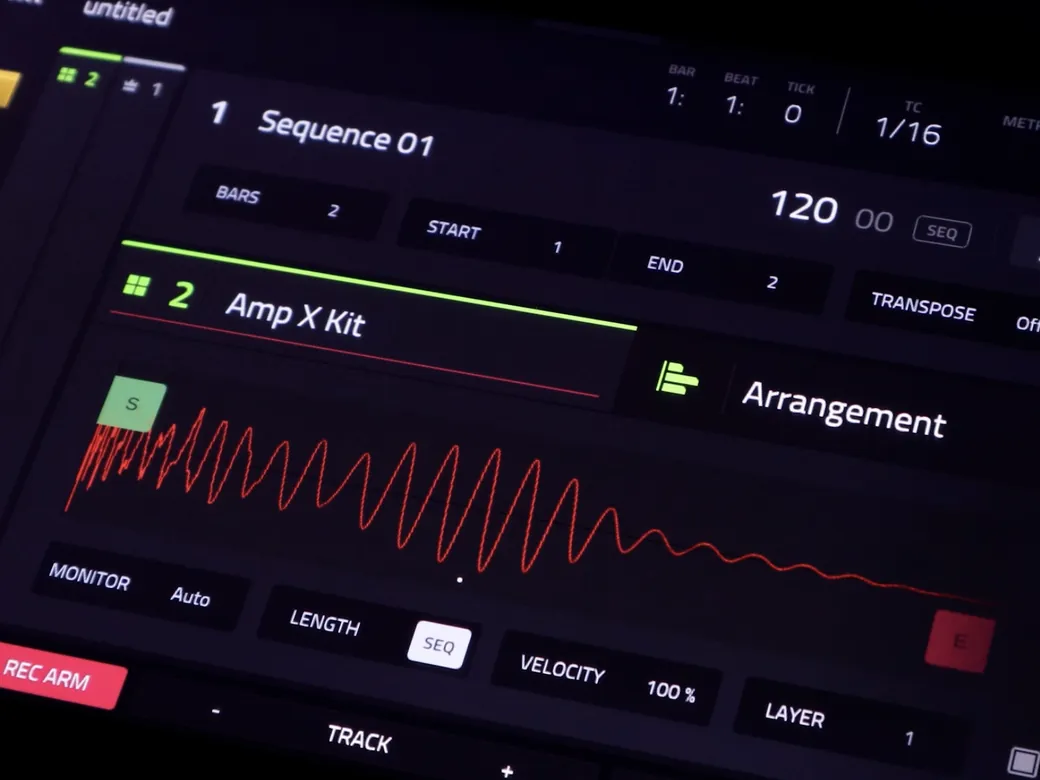
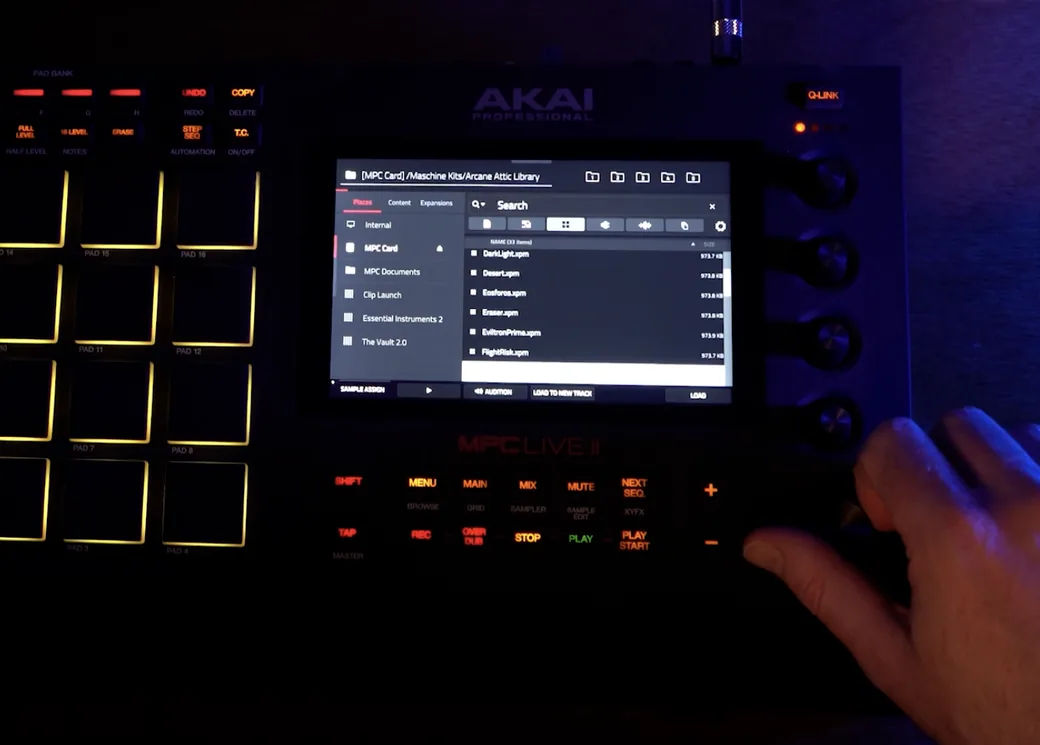
Your kits show up right in the MPC browser, labeled, organized by pack and laid out on the correct pads. Loading a new kit takes seconds.
Want to fill multiple banks? Kit Maker can fill up to eight banks in one preset, so each preset has plenty of sounds.
Want them bundled as one installable pack? Here’s how to make MPC Expansions from the kits Kit Maker builds.


An MPC converter for your Maschine Expansion kits, too
Kit Maker scans your Native Instruments Maschine Expansions and rebuilds their drum kits as MPC kit presets, labeled and organized by Expansion. Convert your Maschine Expansions to MPC →
Import your packs with one click
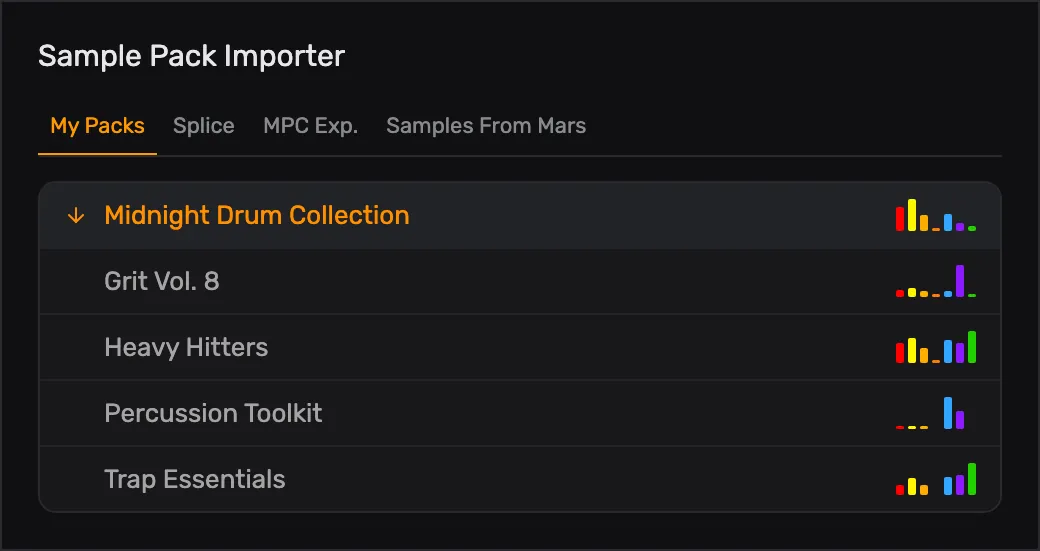
The Sample Pack Importer lists the sample packs in your collection, including your Splice downloads. Click a pack to add it. No more digging for the right folders.
You see what’s in each pack before you make anything, and the Maschine Importer does the same for your Maschine Expansions.
Hear a kit before you load it
Each kit comes with an audio preview, so you can hear it when you select it, before you load it. Sample pack kits get a preview built from their own samples, and Maschine kits keep their original preview.
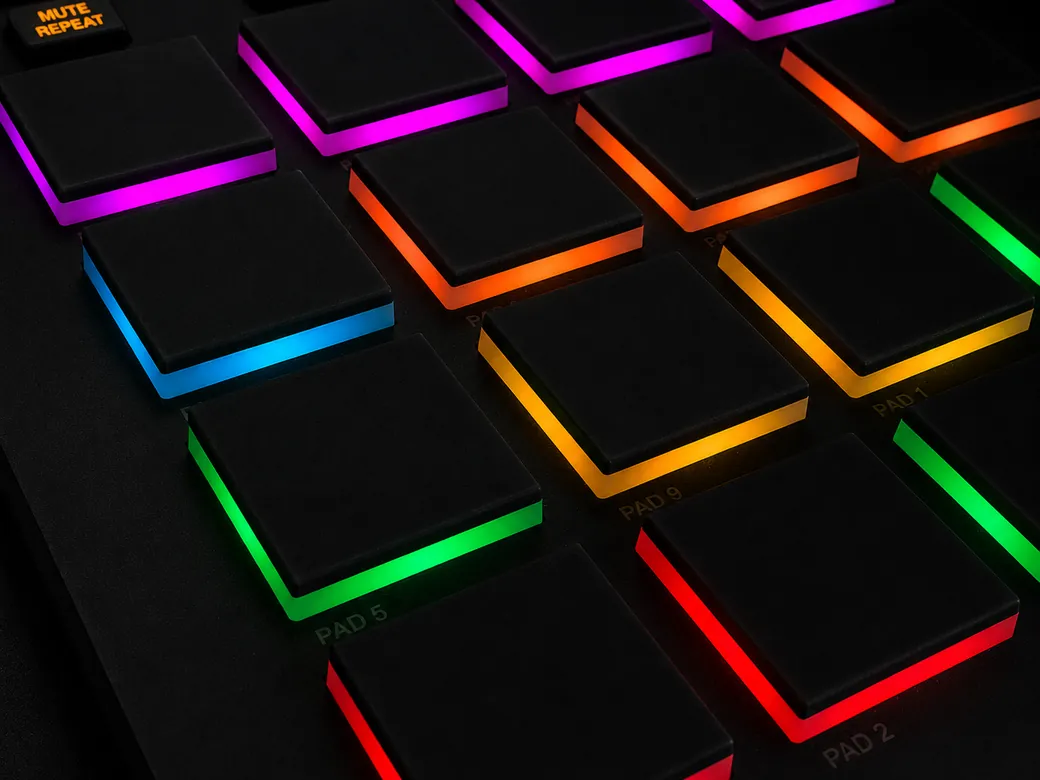
Pads colored by drum type
MPC drum pads are colored by category. You can tell your kicks, snares, hats apart just by glancing at the kit. Load a kit on your MPC and the pads light up in the same colors.
Kits use a consistent layout from kit to kit. Load a different kit on your drum pattern and hear your groove with brand new sounds.

“Kit Maker has been an excellent resource for music producers working across multiple platforms for years. Now with more expanded options, it’s better than ever. Great tool for the production community & one that all should have.”
msimp, founder of MSXII Sound Design
As Seen On






“A very useful tool, not just for converting NI stuff, but even your own custom packs.”
— Ave Mcree“A super easy way to convert the expansions.”
— Sanjay C, Native Instruments Blog“Very easy to use.”
— Jef GibbonsWorks with your MPC
Kit Maker builds standard MPC .xpm drum programs, for MPC hardware and the MPC desktop software. If your MPC opens .xpm kits, Kit Maker works with it.
MPC 2 or MPC 3 OSOn MPC hardware or the MPC desktop software.
macOS (Apple Silicon) · Windows
MPC X · MPC X SE · MPC XL · MPC Live · MPC Live II · MPC Live III · MPC One · MPC One G2 · MPC One+ · MPC Key 61 · MPC Key 37 · MPC Key 37 G2 · Akai Force · and more
MPC 2 (Desktop) · MPC 3 (Desktop) · MPC Beats. Plus controllers like MPC Studio and MPC Touch, used with the desktop app
Drum sample packs (Splice, Loopmasters & more) · Native Instruments Maschine Expansions & Factory Library
Built for modern MPCs that use .xpm files. Doesn’t support legacy MPC hardware that relies on .pgm files. Not affiliated with Akai or Native Instruments.
Questions, answered
Do I need to own the sample packs already?
Yes. Kit Maker organizes packs you provide; it doesn’t include sounds of its own. Drop in the drum packs (or Maschine Expansions) you already own and it builds the kits.
Is it a subscription?
No. Kit Maker is a one-time purchase of $39. Buy it once, use it as long as you like.
Will it work with my MPC?
Yes, if your MPC loads modern .xpm kits (MPC 2 or MPC 3, hardware or software). That covers the MPC X, X SE, XL, Live, Live II, Live III, One, One G2, One+, Key 61, Key 37 and Akai Force, plus MPC desktop software and MPC Beats, and more. See the full list above.
Can it really convert my Maschine Expansions?
Yes. Kit Maker scans Native Instruments Maschine Expansions and rebuilds those drum kits as MPC presets, with a few limitations. Native Instruments has even featured it as an option for Expansion owners.
Is Kit Maker an MPC converter?
That’s a fair way to describe it. Kit Maker converts sample packs, Maschine Expansions and loose folders of samples into MPC drum kit presets, ready to load on MPC hardware or in the desktop software. It converts to MPC, not between MPC formats.
Does Kit Maker make MPC Expansions?
Not directly, but Kit Maker makes it easy. It builds ready-to-load MPC drum kits (.xpm programs) rather than packaged MPC Expansions, and those kits turn into a real, installable MPC Expansion without much fuss. Here’s how to make MPC Expansions.
Mac and PC?
Both. Kit Maker runs on macOS (Apple Silicon) and Windows.
Still have questions? Visit the Kit Maker FAQ.
Start making MPC kits from packs you already own
$39 — one-time purchase. No subscription. · For Mac & PC