
Make Serato Studio Drum Kits from Your Sample Packs, Automatically

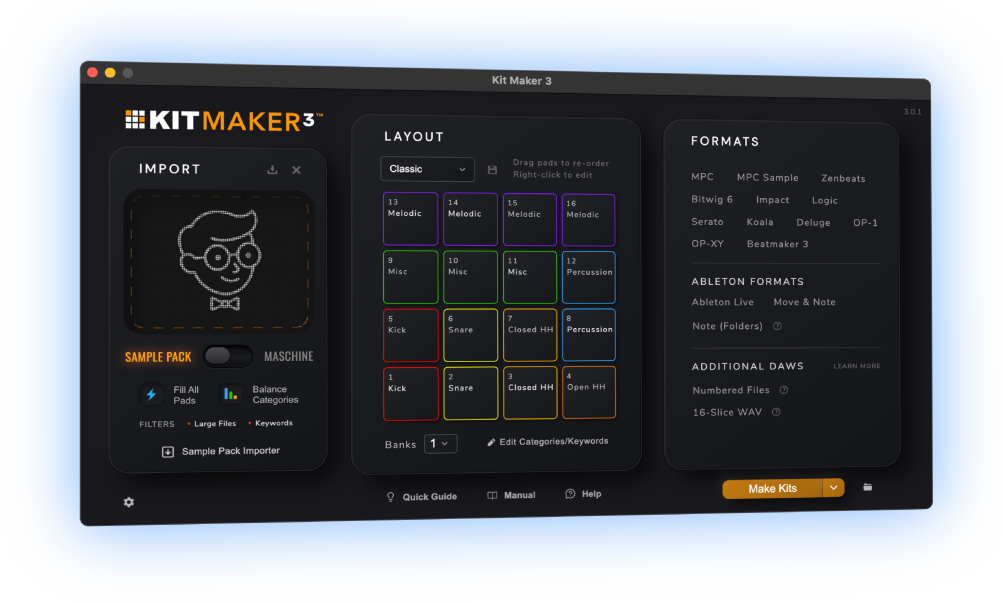
Kit Maker turns the drum sample packs, Maschine Expansions and MPC Expansions you already own into organized, ready-to-load drum kits for Serato Studio. Import your drum packs, click Make Kits and your packs are automatically made into Serato Studio drum kits.
$39 — one-time purchase. No subscription.
 As featured on Native Instruments blog
From Sample Packs to Serato Studio Drum Kits
- 1
Drop in your packs
Drum sample packs, Maschine Expansions and MPC Expansions are all accepted.
- 2
Kit Maker builds the kits
Automatically, and made in a consistent pad layout.
- 3
Your kits are ready to load
Kits are made, organized and ready to load in Serato Studio.
Your Serato Studio kits, organized and ready to load
Kits are organized and grouped by pack. Every pack shows up in Serato Studio’s Drums browser with all of its kits inside. Click the pack, pick a kit, and drag it into your project.

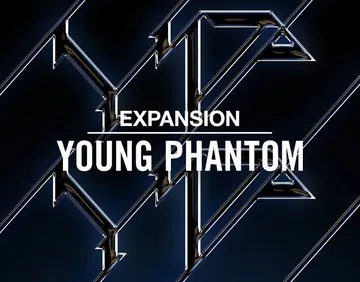



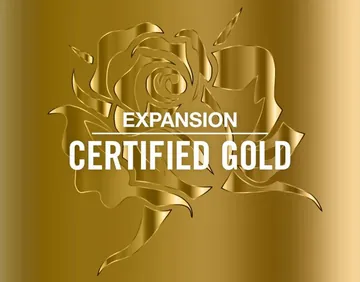
Convert your Maschine Expansion kits to Serato Studio, too
Kit Maker scans your Native Instruments Maschine Expansions and rebuilds their drum kits as Serato Studio drum kits, labeled and organized by Expansion.
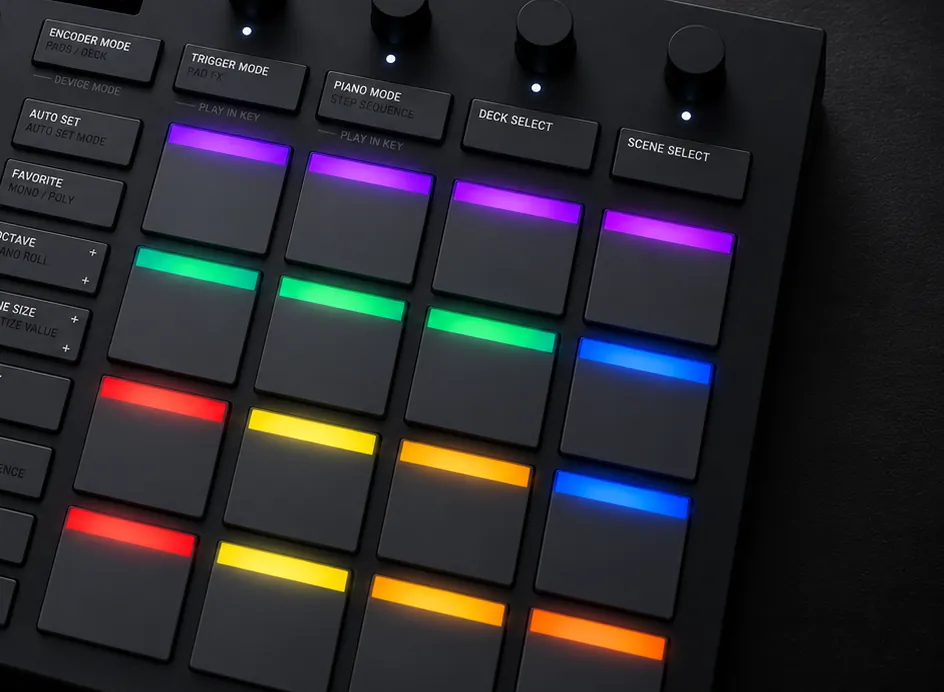
Pads colored by drum type
Serato Studio drum pads are colored by category. You can tell your kicks, snares, hats apart just by glancing at the kit. If you own a SLAB controller, its pads light up in the same colors.
Kits use a consistent layout from kit to kit. Load a different kit on your drum pattern and hear your groove with brand new sounds.
As seen on


“A very useful tool, not just for converting NI stuff, but even your own custom packs.”
— Ave Mcree
“A super easy way to convert the expansions.”
— Sanjay C, Native Instruments Blog
“Very easy to use.”
— Jef Gibbons
Works with Serato Studio
Kit Maker builds native Serato packs (.serato-pack). They’re built as Sample decks, just like Serato Studio’s drum content. Drag a pack into Serato Studio and it’s ready to use.
macOS (Apple Silicon) · Windows
Serato Studio (Mac and PC)
For Serato Studio, the beatmaking app. Not for Serato DJ. Not affiliated with Serato or Native Instruments.
How to import a pack into Serato Studio
- In Kit Maker, choose Serato Studio and click Make Kits. Each pack is saved as one
.serato-packfile. - Drag the
.serato-packfile into Serato Studio. - Open the Drums tab in the file browser. Your pack is listed under All Serato Packs.
- Click the pack, then drag a kit into your project.
Questions, answered
Is this for Serato Studio or Serato DJ?
Serato Studio, the beatmaking app. Kit Maker builds Sample decks, which is Serato Studio’s drum format. Serato DJ works differently and isn’t supported.
How do the kits get into Serato Studio?
Kit Maker builds each sample pack as one .serato-pack file, organized and labeled. Drag that file into Serato Studio to import it, open the Drums tab in the browser, click the pack, and drag a kit into your project. Steps are just above.
Do the pads come colored?
Yes. The pads are colored by drum type, so kicks, snares and hats are easy to tell apart. If you want Serato’s usual color scheme, choose the Serato theme in Kit Maker for a palette based on Serato’s Sample decks: reds and oranges for the drum hits, blue for hats and cymbals, mint for percussion.
What if I use the Reverse Pad Order option in Serato Studio?
Turn off Reverse Pad Order in Kit Maker, under Preferences > Format Options. Kit Maker’s option is on by default to match Serato Studio’s default pad layout, so only one of the two should be on. With both on, your kits load upside down.
Do I need to own the sample packs already?
Yes. Kit Maker organizes packs you provide; it doesn’t include sounds of its own. Drop in the drum packs (or Maschine Expansions) you already own and it builds the kits.
Can it convert my Maschine Expansions?
Yes. Kit Maker scans Native Instruments Maschine Expansions and rebuilds those drum kits as Serato Studio drum kits. Native Instruments has even featured it as an option for Expansion owners.
Is it a subscription?
No. Kit Maker is a one-time purchase of $39. Buy it once, use it as long as you like.
Mac and PC?
Both. Kit Maker runs on macOS (Apple Silicon) and Windows, and so does Serato Studio.
Still have questions? Visit the Kit Maker FAQ.
Start making Serato Studio kits from packs you already own
$39 — one-time purchase. No subscription. · For Mac & PC