
Make Studio One Drum Kits from Your Sample Packs, Automatically

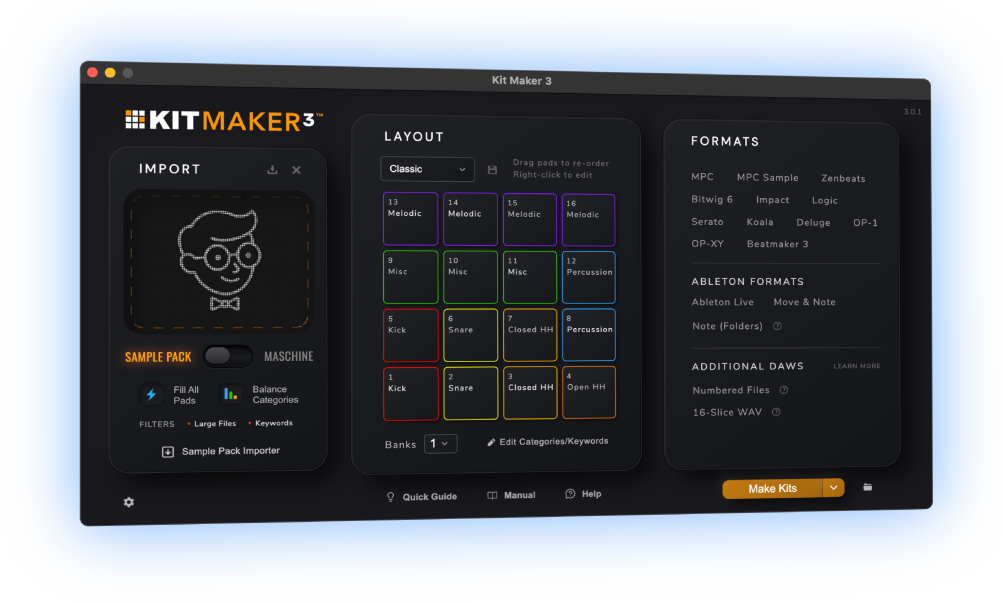
Kit Maker turns the drum sample packs, Maschine Expansions and MPC Expansions you already own into ready-to-load Impact kits for Studio One and Fender Studio Pro. Import your drum packs, click Make Kits and your packs are automatically made into Studio One Impact kit presets.
$39 — one-time purchase. No subscription.
 As featured on Native Instruments blog
From Sample Packs to Studio One Drum Kits
- 1
Drop in your packs
Drum sample packs, Maschine Expansions and MPC Expansions are all accepted.
- 2
Kit Maker builds the kits
Automatically, and made in a consistent pad layout.
- 3
Your kits are ready to load
Presets are made, organized and ready to load in Studio One.
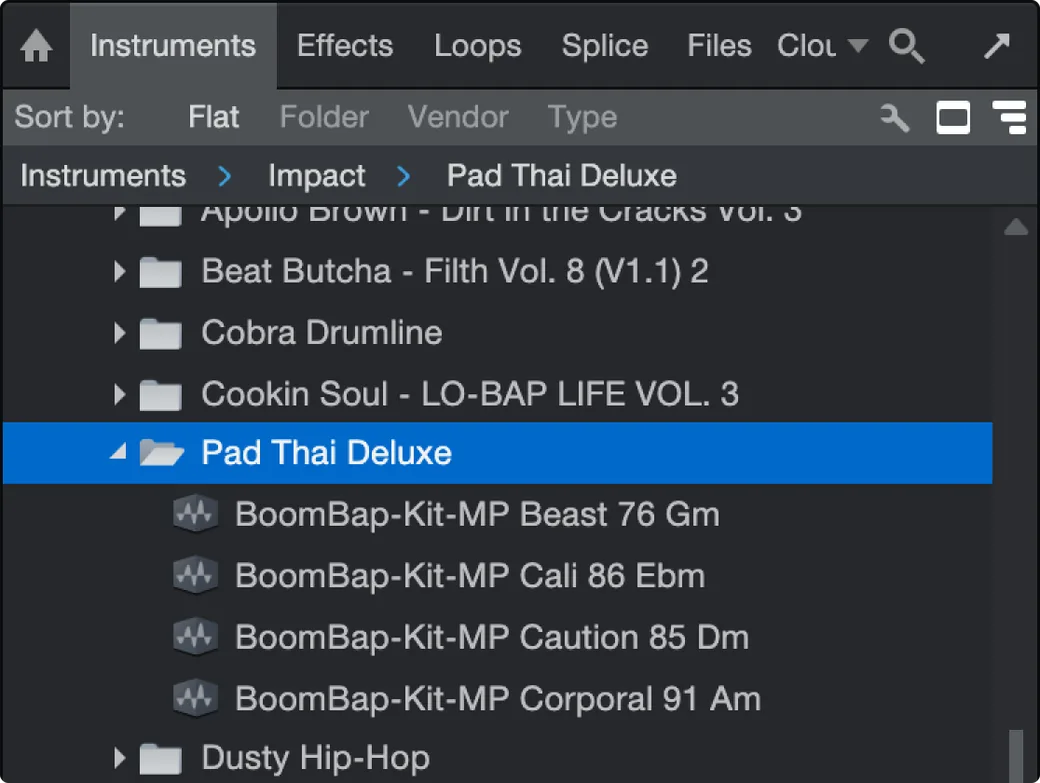
Your Studio One Impact kits, organized and ready to load
Kits show up in Studio One’s browser as Impact presets. Double-click one and the pads are already filled, named and in order. You don’t have to load each sample onto a pad manually.
Want to fill multiple banks? Kit Maker can fill up to eight banks in one preset, so each preset has plenty of sounds.
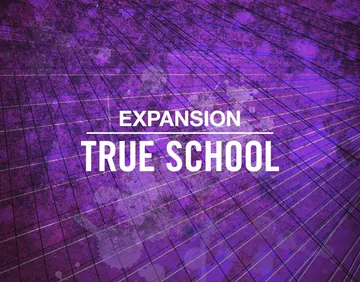


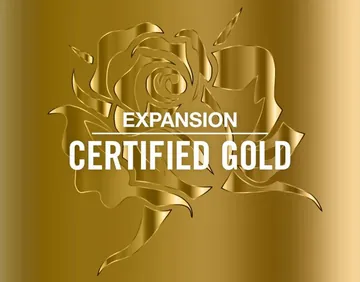
Convert your Maschine Expansion kits to Studio One, too
Kit Maker scans your Native Instruments Maschine Expansions and rebuilds their drum kits as Impact kit presets, labeled and organized by Expansion.
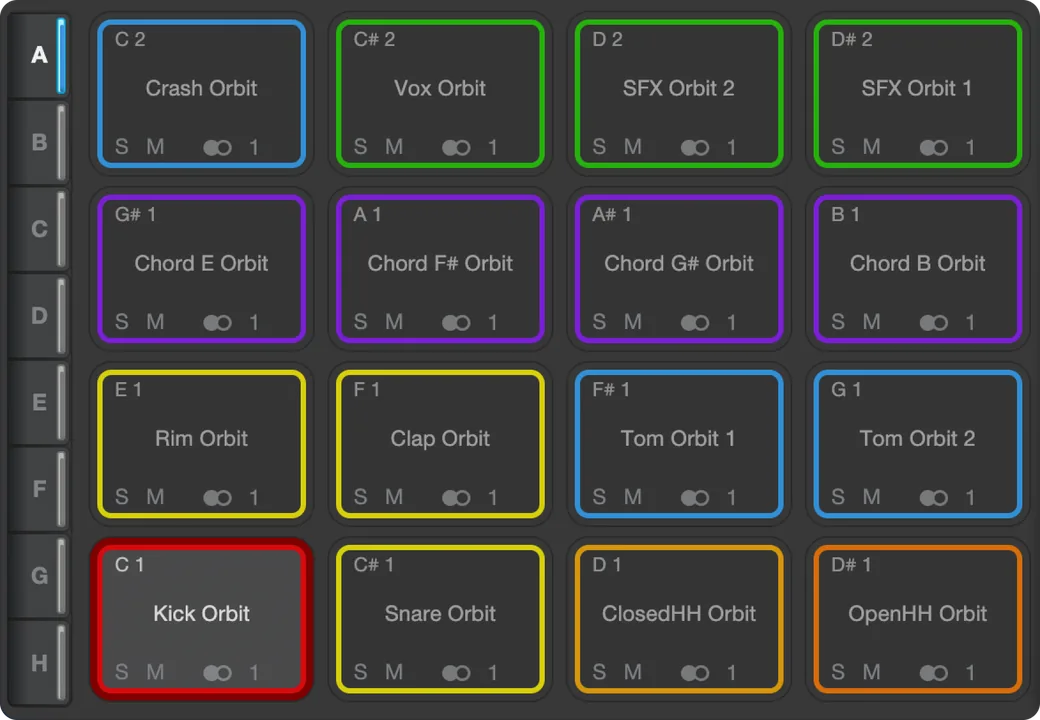
Pads colored by drum type
Impact drum pads are colored by category. You can tell your kicks, snares, hats apart just by glancing at the kit. Play them from a Fender Motion 16 or Motion 32 (or a PreSonus ATOM SQ) and the pads light up in the same colors.
Kits use a consistent layout from kit to kit. Load a different kit on your drum pattern and hear your groove with brand new sounds.
As seen on

“A very useful tool, not just for converting NI stuff, but even your own custom packs.”
— Ave Mcree
“A super easy way to convert the expansions.”
— Sanjay C, Native Instruments Blog
“Very easy to use.”
— Jef Gibbons
Works with Studio One and Fender Studio Pro
Kit Maker builds native .soundx presets for Impact, the drum sampler built into Fender Studio Pro (the app formerly known as PreSonus Studio One). Kit Maker saves kits in the older Studio One style on purpose, so they load in current Studio Pro and in older Studio One versions.
The samples live inside the .soundx file itself. The preset stays self-contained, so you can move or back it up without breaking it.
macOS (Apple Silicon) · Windows
Fender Studio Pro · PreSonus Studio One (older versions)
Builds Impact’s native preset format. Not affiliated with Fender, PreSonus or Native Instruments.
How to load a kit in Impact
- In Kit Maker, click Impact, drop in your packs, and click Make Kits. Kit Maker finds your Studio One or Studio Pro presets folder (and asks which, if you have both) and saves the kits where Impact looks for them.
- In Studio One or Fender Studio Pro, add an Impact instrument to a track.
- Choose a kit from Impact’s preset browser and the pads load automatically.
Questions, answered
Is this for Studio One or Fender Studio Pro?
Both. PreSonus Studio One is now Fender Studio Pro, and Impact is the drum sampler inside it. Fender also has a separate free app called Fender Studio, so make sure you’ve got the right one. That one is a simple recorder with no Impact, so Kit Maker’s kits won’t load in it. You need Studio One or Fender Studio Pro.
Does it work with older Studio One versions?
Yes. Kit Maker saves its kits in the older Studio One style on purpose, so the same kit loads in current Studio Pro and in the older Studio One versions that are still widely used. If your version calls the sampler Impact XT, that’s the same instrument, just the name it used before Fender dropped the XT.
Where do the samples live?
Inside the kit. A .soundx file carries its own samples. The preset stays self-contained, so you can move or back it up without breaking it.
How many banks can one preset have?
Up to eight. A big sample pack can fit in one preset instead of being split across several.
Do I need to own the sample packs already?
Yes. Kit Maker organizes packs you provide; it doesn’t include sounds of its own. Drop in the drum packs (or Maschine Expansions) you already own and it builds the kits.
Can it convert my Maschine Expansions?
Yes. Kit Maker scans Native Instruments Maschine Expansions and rebuilds those drum kits as Impact presets. Native Instruments has even featured it as an option for Expansion owners.
Is it a subscription?
No. Kit Maker is a one-time purchase of $39. Buy it once, use it as long as you like.
Mac and PC?
Both. Kit Maker runs on macOS (Apple Silicon) and Windows, and so do Studio One and Fender Studio Pro.
Still have questions? Visit the Kit Maker FAQ.
Start making Studio One kits from packs you already own
$39 — one-time purchase. No subscription. · For Mac & PC