
Turn Your Sample Packs into Koala Drum Kits
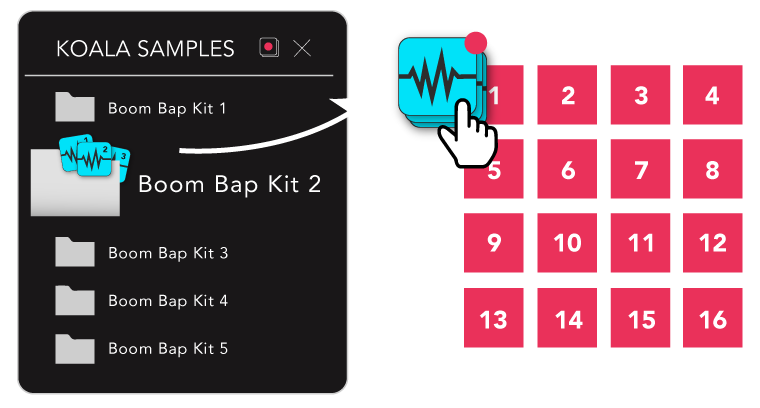
Kit Maker quickly builds tons of Koala drum kits from your sample packs or Maschine Expansions. It is best known for making drum kit presets for MPC, Ableton and others, and it makes kits for Koala Sampler through its Numbered Files format.
Kit Maker 2 makes Koala kits as folders of 16 numbered samples. Loading one is as simple as dragging the contents of a kit folder onto your Koala pads.
$35, one-time purchase. No subscription.
 As featured on the Native Instruments blog
From sample packs to Koala drum kits
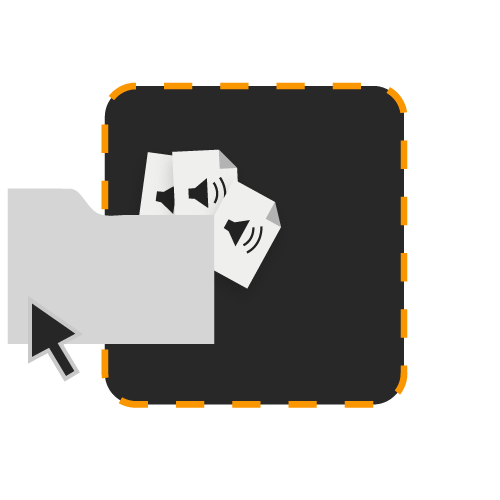
Drag packs into Kit Maker
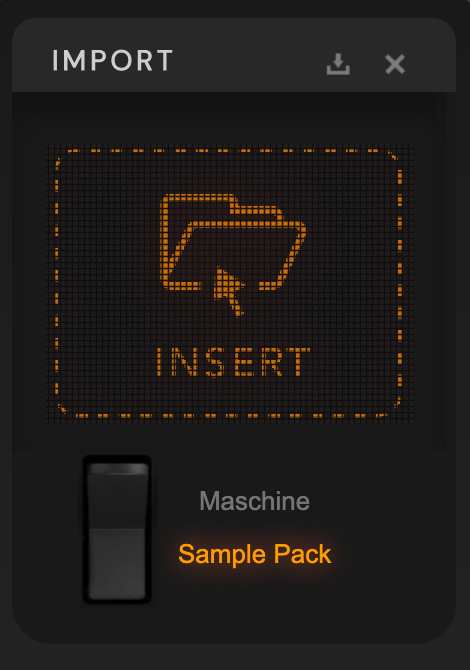
Import your sample packs, or Maschine Expansions, into Kit Maker.
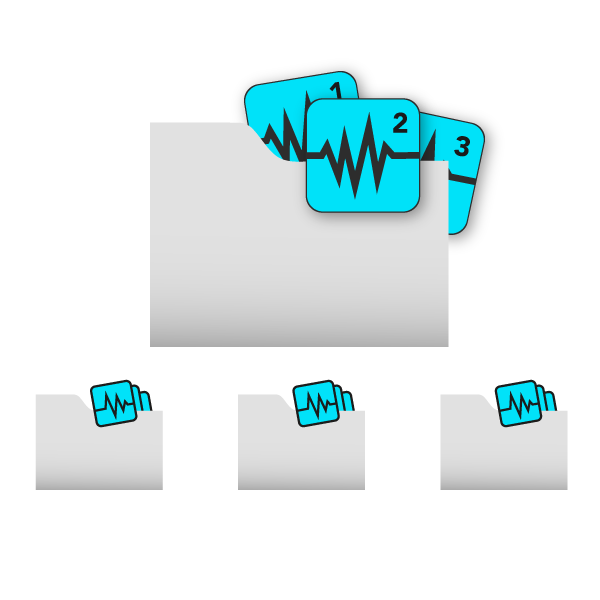
Make kit folders
Samples are numbered and put into individual kit folders, named and organized.
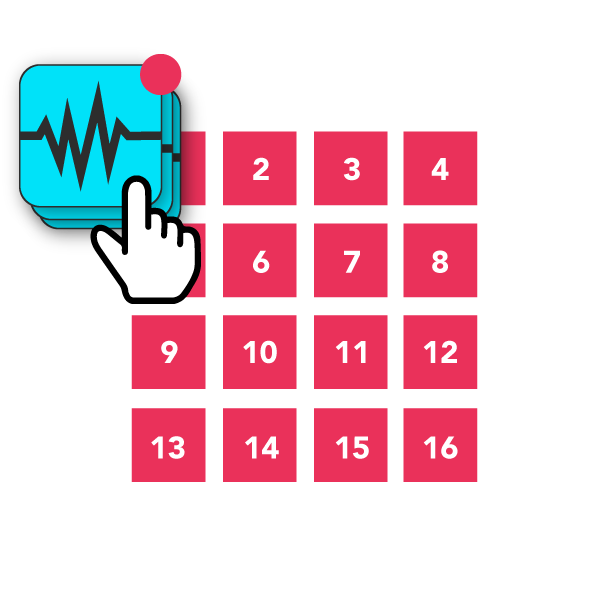
Play your kits
Drag the contents of any kit folder onto your pads. The kit fills in the right layout, ready to play.
Convert your Maschine Expansion kits for Koala, too
The Maschine Factory Library and your Maschine Expansions are easy to process. Kit Maker rebuilds the drum kits inside each library as individual kits, ready to use.
Import your Maschine Expansion folders, pick the layout you want, and make kit folders that are easy to import.
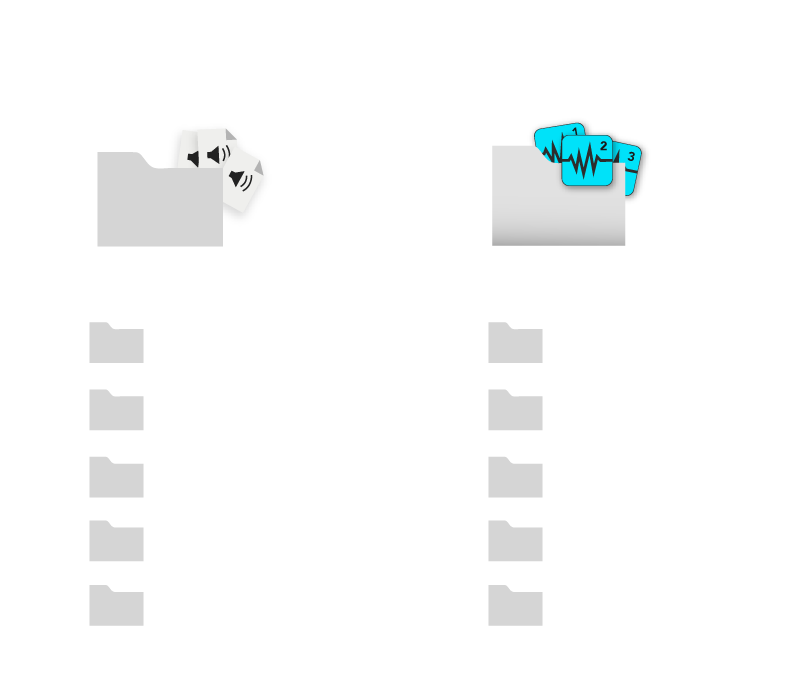
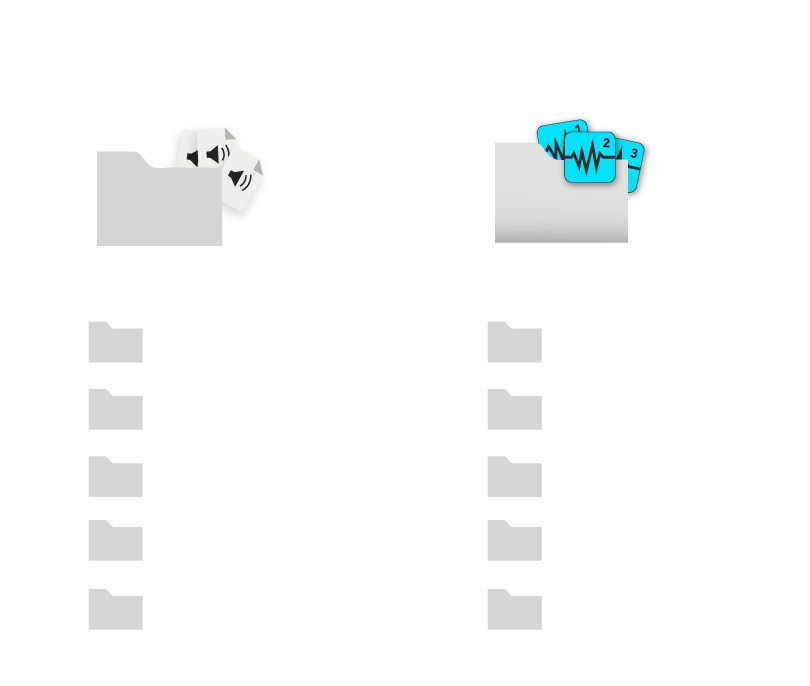
Or nearly any drum sample pack
Nearly any sample pack folder can be imported, including packs from Splice, Loopmasters and other stores. Packs with categorized subfolders are laid out into kits automatically. If a pack isn’t organized by folders, Kit Maker builds kits from the filenames instead.
Why not import the samples by hand? Kit Maker builds the kits for you: 16-pad kits with the right number of each sample type, in a consistent layout, grouped, labeled and ready to import. With a lot of packs, that adds up to tons of kits, much like the expansion packs other DAWs ship with.
How to import the kits into Koala
Once the kits are made, loading one is as simple as dragging the contents of a kit folder onto the pads. The details are below.
Creating the kits
- Drag and drop your sample packs into Kit Maker.
- Choose the Numbered Files output format.
- Click Make Kits.
- The kits are made on your desktop.
Transfer the files to your device
- Open the Kit Maker Kits folder on your desktop.
- Transfer the Numbered Kits folder to your device.
- Add the Numbered Kits folder to your Locations in Koala’s Samples browser.
More detail on getting samples into Koala: how to import samples into Koala Sampler.
Load drum kits into Koala
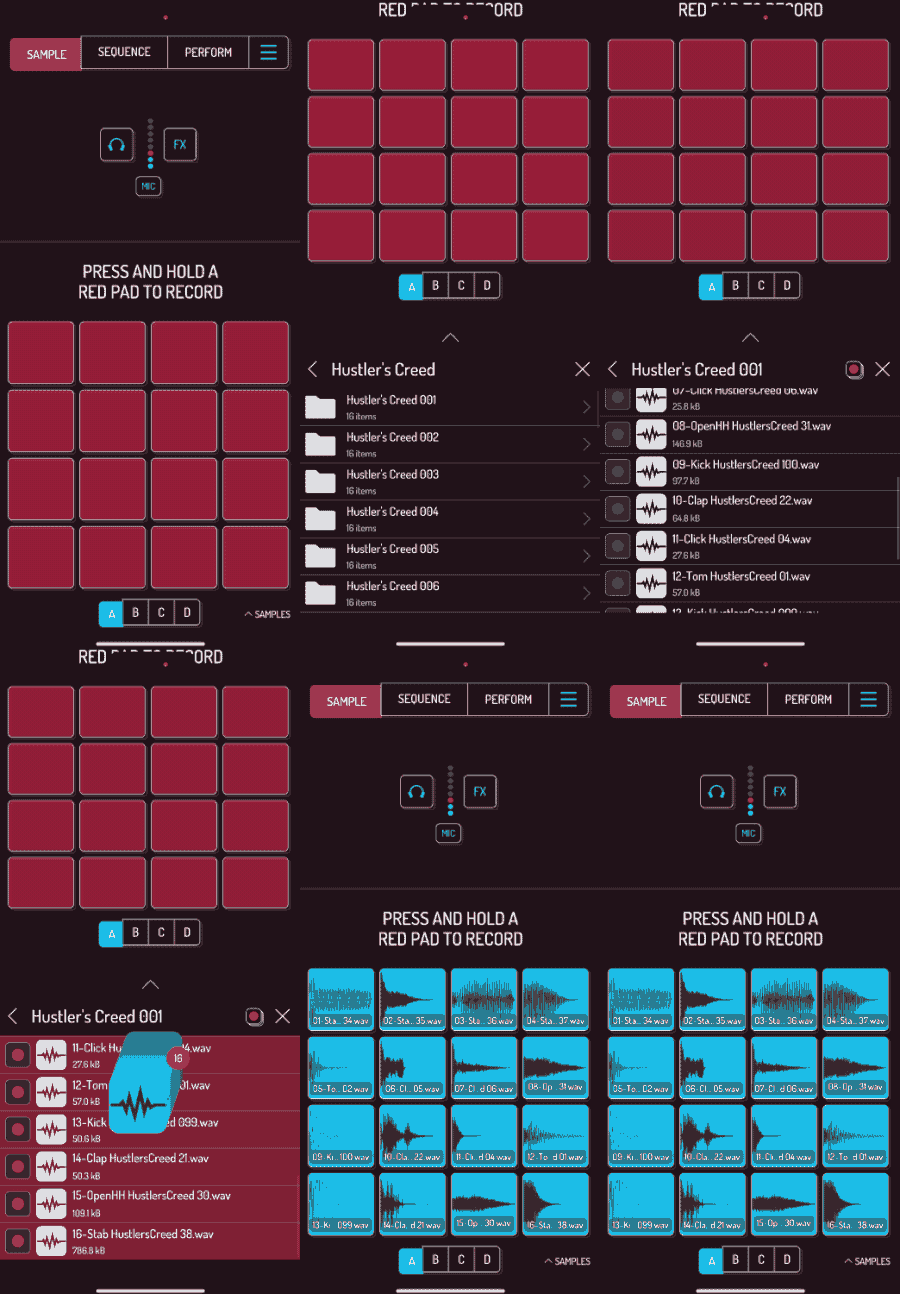
- Open a kit folder in Koala’s Samples browser.
- Select all 16 sample files (turn on the red multi-select button at the top right).
- Hold your finger on the selected files for a couple of seconds.
- Drag the samples to the top-left pad and let go.
- The kit loads in the correct order, ready to play.
Optional: use the Koala pad layout
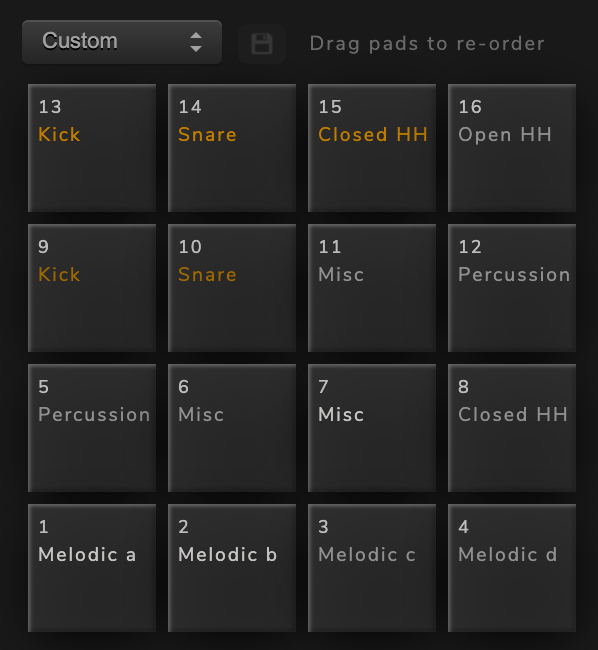
Koala numbers its pads from the top row down, the reverse of most drum pad devices, which start pad 1 at the bottom.
In Kit Maker, choose the Koala layout from the dropdown above the pads. It reverses the vertical order, so once a kit is in Koala it follows the usual MPC-style order with the kick and snare at the bottom left.
You can also make a Custom layout. Just remember the row order is reversed once it is imported into Koala.
As seen on





“A very useful tool, not just for converting NI stuff, but even your own custom packs.”
Ave Mcree
“A super easy way to convert the expansions.”
Sanjay C, Native Instruments Blog
“Very easy to use.”
Jef Gibbons
DAWs and hardware that support kit folders
The Numbered Files format works in most situations where you can drag a set of samples onto the pads.
Logic · Maschine · Reason (Kong) · Bitwig Studio · Koala Sampler · Roland SP-404MKII · Geist2 · Groove Agent SE 5 · iMPC Pro 2 (iOS) · Novation Circuit Rhythm · Novation Circuit Tracks
macOS · Windows
These are not Koala preset files, but kit folders that import into the app. Kit Maker is a third-party application, not affiliated with Koala Sampler.
Help and resources
- A detailed guide to using Kit Maker is in the manual.
- Troubleshooting and support are on the help page.
- More on the Numbered Files format and the other DAWs it works with: Numbered Files.
- See the homepage for a list of DAWs and devices Kit Maker can create direct preset files for.
Start making Koala drum kits
$35, one-time purchase. No subscription. For Mac and PC.