Open Preferences with the gear in the bottom row of the main screen, or press Cmd+, (app menu > Preferences…). It’s one scrolling page with a jump list on the left, and this chapter follows that order.
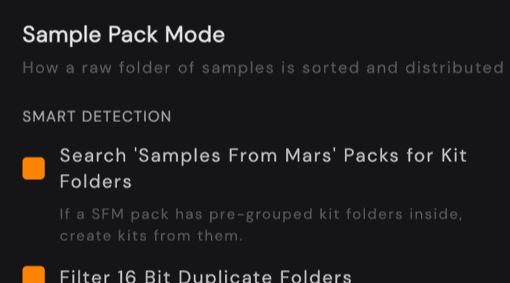

Open Preferences with the gear in the bottom row of the main screen, or press Cmd+, (app menu > Preferences…). It’s one scrolling page with a jump list on the left, and this chapter follows that order.