
You choose formats in the Formats panel on the main screen, and you can pick any number at once. EG Pulse and NanoStudio 2 are hidden from the panel and are turned on from the Formats menu in the menu bar.
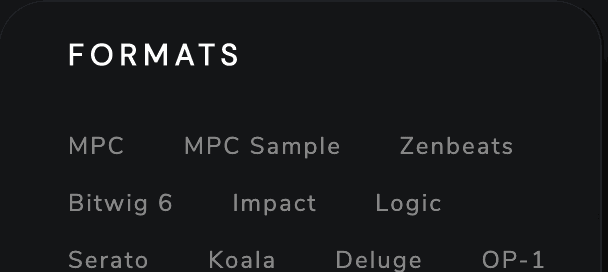
Most kits are saved to the Kit Maker Kits folder on your Desktop, while Ableton Live, Impact, Zenbeats, Logic Pro, Bitwig and FL Studio save into their own app’s folder (see Folder Paths). After a run, the “Where Your Kits Went” overlay lists where each format’s kits went. Six formats also get a How to Transfer.txt beside the kits: Ableton Move & Note, Ableton Note (Folders), Deluge, Serato, MPC Sample and Koala.