
Kit Maker needs some organization to work with: category folders (“Kicks”, “Snares”), descriptive filenames (“Heavy kick.wav”, “Trap snare.wav”), or kit folders. Most packs have at least one of these.
Packs organized by category folders #
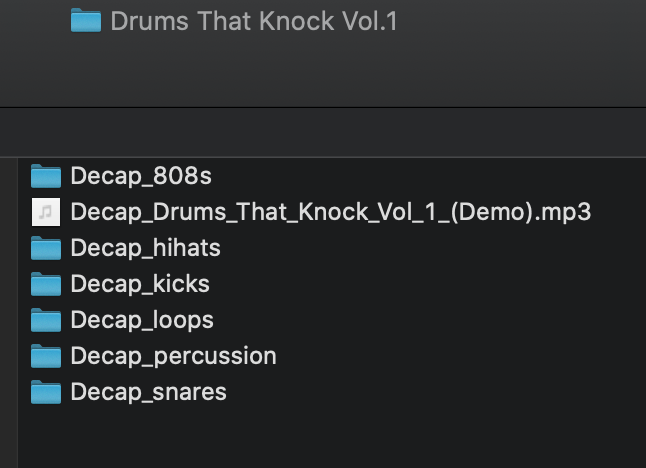
Most packs have folders named by category. Samples in a folder with “kick” in its name (or another kick keyword, such as “kik”) go on the Kick pads, and so on.
Packs sorted by filenames #
Samples that aren’t in a category folder are sorted by their filenames instead. If neither matches, the sample goes to Misc.
To sort every sample by filename and ignore the folders, turn on Force Sorting By Filename. See Sample Pack Mode Options.
Packs organized into kit folders #
If a pack is already grouped into folders per kit, rather than collections of drum categories, you can process them as kit folders. See Process Kit Folders in the Processing Methods section.