
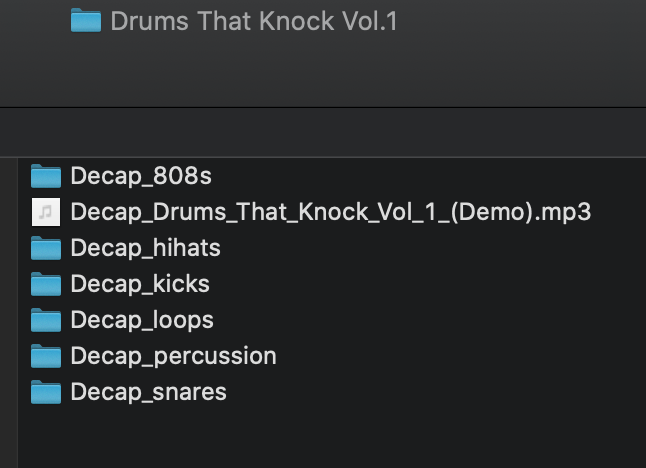
Use Sample Pack mode to process any folder that contains samples organized into subfolders (ie “Kicks”, “Snares” folders) or has labeled filenames (ie “Heavy kick.wav” , “Trap snare.wav”).
Most Sample Packs include contain folders that are named by category. These drum categories determine how Kit Maker will lay out the samples on the pads of each kit. The “Kick” pads will be filled with samples from the folder with “kick” (or another “Kick” keyword such as “kik” or “kck”) in its’ title.
What if the pack isn’t organized well?
If Kit Maker finds less than 3 subfolders named after drum categories, it will automatically sort the samples into categories by reading the filenames instead.
What if the pack is organized into pre-grouped Kit folders already?
If a pack is already grouped into folders per kit, rather than collections of drum categories, you can use the “Process Pre-Grouped Kits” option, explained lower in the manual.
PC USERS: Empty pads randomly occurring in Sample Pack kits?
Check out the version 2.4 Bug Fix recommended for Windows users