
Kit Maker kits are compatible with modern MPC hardware (including X, Force etc), but can also be imported into modern MPC Desktop software, including MPC Beats. MPC controllers such as MPC Studio can be used with the desktop software.
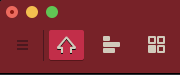
Make sure you are in “Main Mode” (the house icon in the top left red menu of the app). In the bottom of the MPC Desktop (or MPC Beats) app you should see a “Project” window.
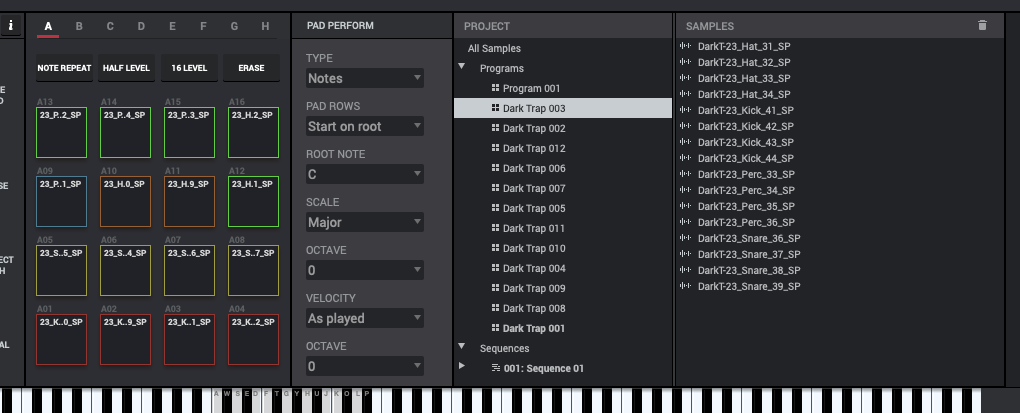
Find a converted drum sample pack that you want to import from the “Kit Maker Kits > MPC Kits” folder. For example a converted pack folder such as “Dark Trap”. Drag the converted pack folder onto the “Project” window in the MPC desktop app. It should populate with “Programs” which are the loadable MPC kits.
Double click a kit to load it in your drum rack.
Important: The MPC 2 app only allows .wav files with a 44100 sample rate.