
There are 2 forms of libraries Kit Maker can accept:
Maschine Library folders
Official Maschine / Native Instruments Expansion Libraries
Sample Pack folders
Any other drum sample pack that contains .wav one shot drum samples
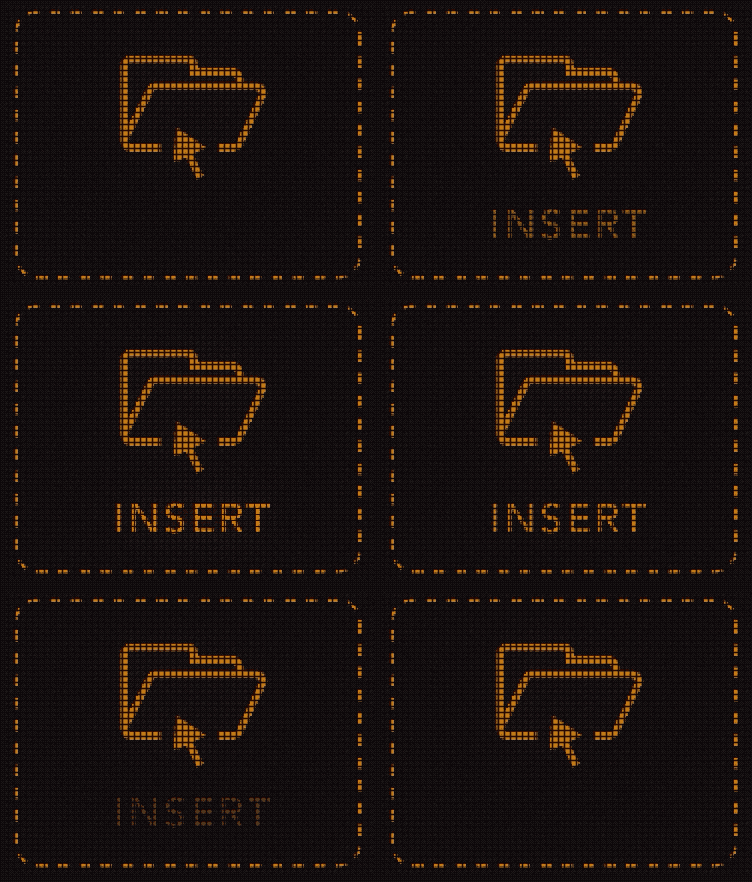
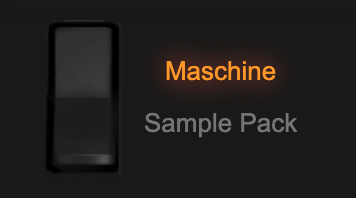
Use the switch to choose the library mode, drag your Maschine Library or Sample Pack folders into the “Insert Libraries” box, or use the import button.
There is also a button to “clear” the current imported folders (the “X” button)
Before pressing “Make Kits”, select the correct library mode depending on which kind of library folder you are processing. If a folder of the wrong type is found, you will be alerted to change modes.
Multiple Maschine Libraries can be processed at once, or multiple Sample Packs can be processed at once, but you cannot process both forms of libraries together (ie a Maschine library and a Sample Pack both at once).
Note: The larger amount of files and libraries, the longer it will take to process. The moving gear animation on the screen shows that the app is still libraries. The app may temporarily say “Application Not Responding” while it is processing. This is normal when processing large volumes of files.