
What’s New in Kit Maker 3

This page is for Kit Maker 2 owners. It covers what changed, why Kit Maker 3 is a paid upgrade, and how to get it free or at 30% off.
Learn about the new formats, more consistent kits and a lot more control.
Free if you bought Kit Maker 2 on or after October 19, 2025.
30% off if you bought any time before that.
More consistent kits from any sample pack
Kit Maker 2 placed every sample that matched a pad, but once a pack ran out of matches, the leftover pads were filled fairly randomly. Kit Maker 3 has vastly improved the entire process.
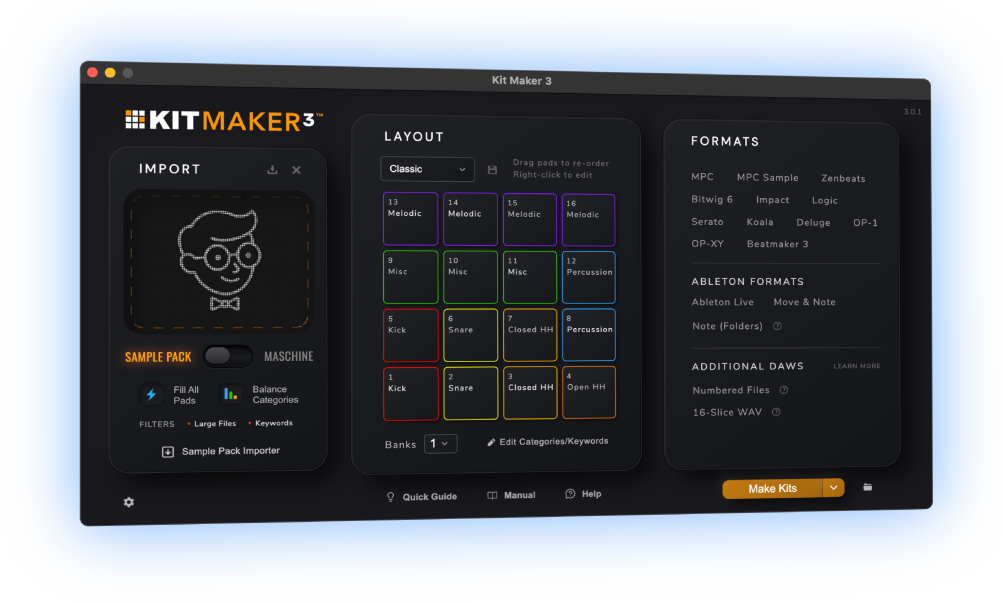
- Fill All Pads moved to the main window and got a lot smarter. Empty pads get filled so the kit still plays like a kit.
- Balance Categories is a new option. It matches the layout to what’s actually in the pack: if a pack has more kicks, you get more kick pads in each kit.
- Smarter sorting. Many improvements to how samples get sorted, too many to list here, plus new keyword modifiers for fine-tuning your own keywords.
Import your packs with one click
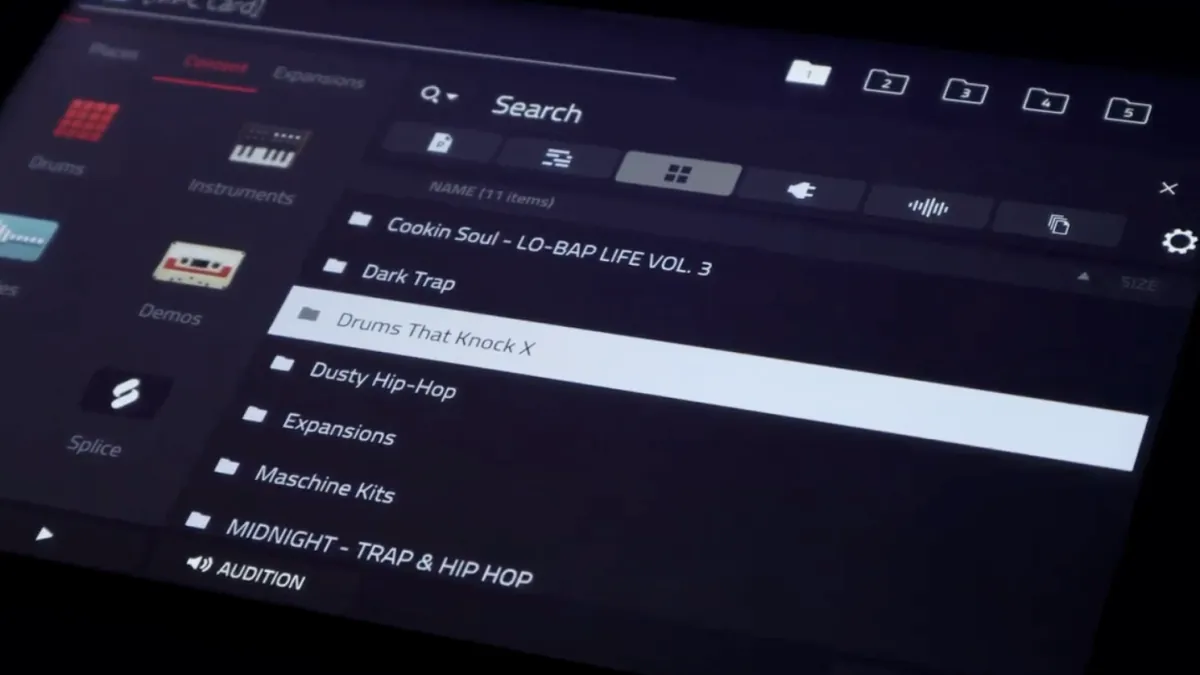
Kit Maker 3 lists the sample packs in your collection, so you pick one and go. No more digging for the right folders. It does the same for your Maschine Expansions.
- The new Sample Pack Importer links to your sample pack collections, making it easy to import your packs in a click. You see a count of what’s in each pack before you make anything.
- Maschine Expansions you have installed are detected automatically and listed. Kit Maker now builds Maschine kits from the original kit files rather than from keywords, which makes better kits, and more of them.
- MPC Expansions: every bank. Each bank is made into a kit. Use the original layouts or make your own.
- Samples From Mars packs are recognized on import and built with their original kit names.
- Process Kit Folders turns packs that are already one-folder-per-kit into kits named after each folder. Kit Maker now detects them automatically.
New presets for DAWs and hardware
Kit Maker 3 adds a lot of new formats, including MPC Sample and FL Studio. Logic, Bitwig and Koala used to go through Numbered Files, a folder of samples you dragged onto the pads yourself. Now they’re created as preset files that load in one step.
MPC Sample
Project files for Akai’s MPC Sample, up to 8 banks per preset.
Now created as preset filesLogic Pro
Drum Machine Designer kits, with up to 3 banks per preset.
Now created as preset filesBitwig Studio 6
Kit presets with your category colors on the pads.
Now created as preset filesFL Studio
FPC kits with colored pads and a matching icon on every pad, up to 2 banks.
Impact
The drum sampler in Studio One and Fender Studio Pro, up to 8 banks.
Koala Sampler
.koala kit files, up to 4 banks each. Load a whole kit with one tap.
Serato Studio
Drag in one .serato-pack and the kits show up under Drums. Comes with a Serato color theme.
OP-1 and OP-XY
Kits for the Teenage Engineering OP-1, OP-1 Field and OP-XY.
Zenbeats
Roland’s DAW.
16-slice WAV
Each kit as one WAV with 16 equal slices, for samplers that play slices of a single file.
Build your perfect layout
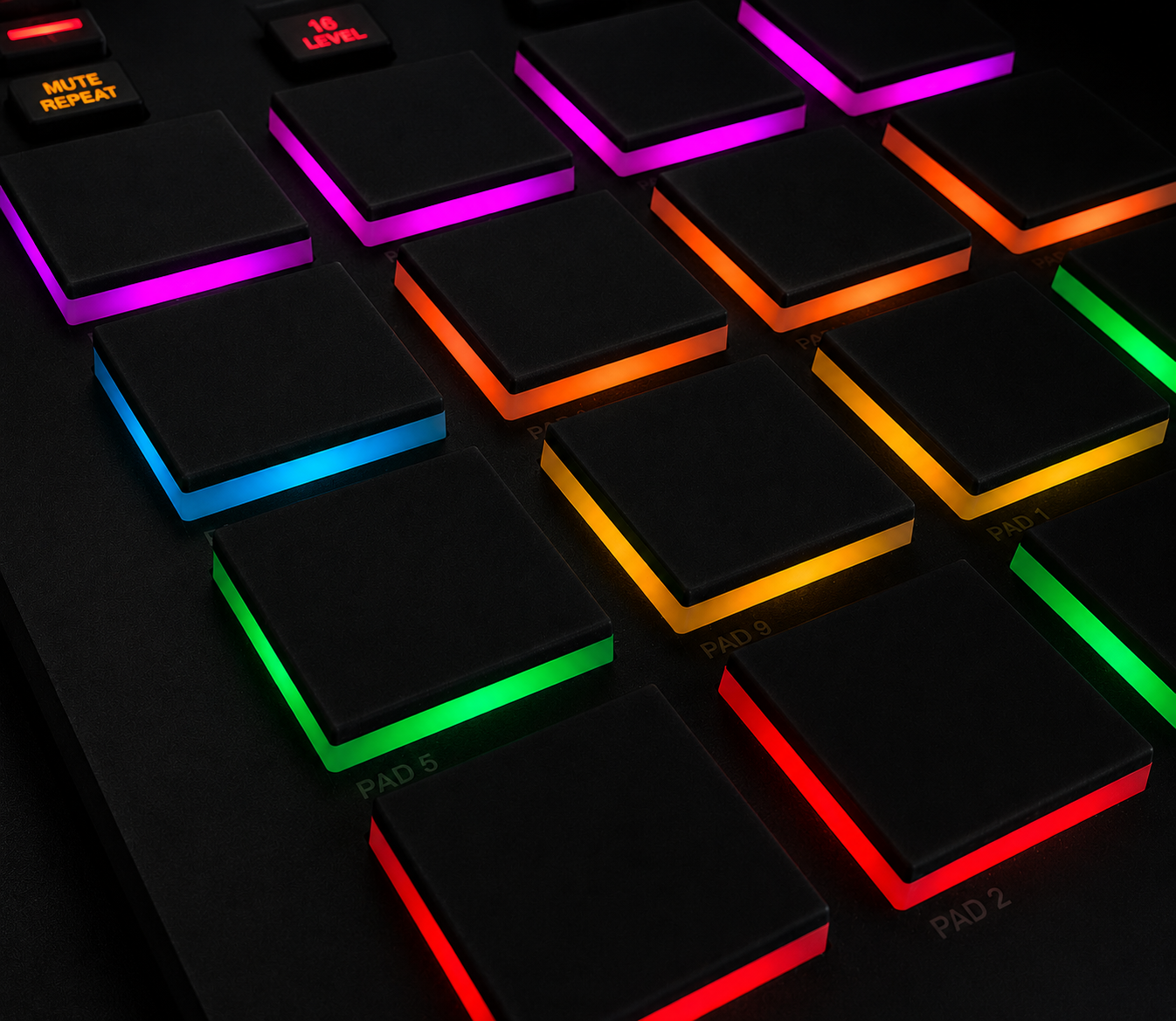
- Change the category of any pad. Right-click a pad to change it. Want more kicks and less percussion? Change the pads. A longtime user request.
- Rename categories. Turn Percussion into 808s, give it 808 keywords, its own color and more pads.
- Colors are editable. Every category has a color you can change, shown right in the pad layout. On formats that support pad colors, your kits get the same colors (MPC, FL Studio, Bitwig, Serato Studio, Impact and Koala). Use a color theme or make your own.
See how your kits came out before you open a DAW
Kit Maker 3 shows a Summary page with a card for every pack.
- How many samples it found in each category, as colored bars.
- The first kit’s pads, in your colors, plus every other kit’s layout and its 16 filenames.
- What got filtered out and why: too large, or a loop keyword like loop or stems.
- Skipped packs: already made for that format, no audio files, everything filtered. Kit Maker 3 now tells you why.
Better kits for Ableton Live and Push
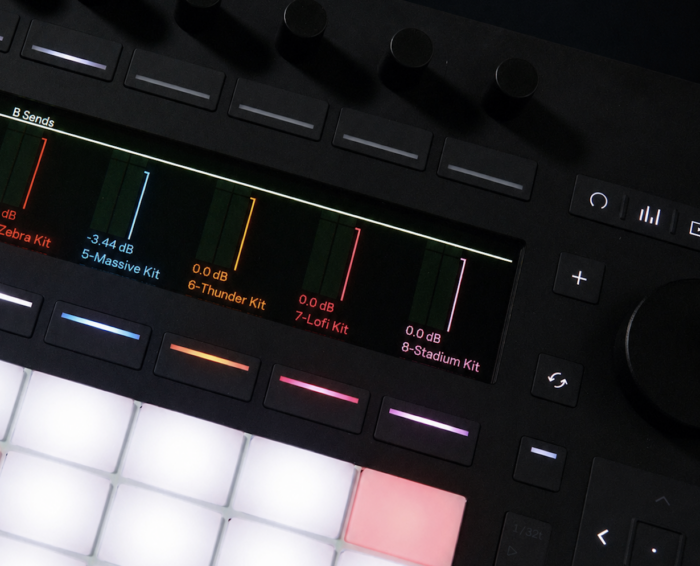
- Pick your kit type. Build kits with Simpler, or with Live’s newer Drum Sampler.
- Samples travel with the kit. Samples now save next to each kit by default, so a kit folder moves as one piece.
- Push 3 standalone is simpler. Moving kits over is just copying the folder.
- Audio previews sit next to each kit, ready to click and hear.
Hear a kit before you load it
MPC and Ableton Live kits can now create a short audio preview for Sample Pack kits, built from the kit’s own sounds.
- Play Beat plays the main kit sounds as a short demo beat, in Boom Bap, House or Trap.
- Play In Order plays the samples one after another instead.
- On MPC the preview plays when you select a kit. In Ableton the preview file sits next to each kit, ready to click.
- Maschine Expansion kits now consistently include their original previews.
Kit Maker 2 vs Kit Maker 3
| Kit Maker 2 | Kit Maker 3 | |
|---|---|---|
| Formats | ||
| Logic Pro, Bitwig Studio, Koala | Numbered Files workaround | Direct kit presets |
| MPC Sample, FL Studio, OP-1, OP-XY, Serato Studio, Impact, Zenbeats | Not supported | Direct kit presets |
| 16-slice WAV for samplers | No | Yes |
| Ableton Live | Simpler kits | Simpler or Drum Sampler, samples saved with the kit |
| Importing | ||
| Maschine Expansions | Manually import the folders | Scanned and listed, one click |
| MPC Expansions | First bank only | Every bank |
| Samples From Mars | No | Auto-detected, original kit names |
| Pre-grouped kit folders | Import the parent folder | Process Kit Folders, auto-detected |
| Kits | ||
| Pads with no matching sample | Filled fairly randomly | Fill All Pads and Balance Categories |
| Edit pads | No | Right-click any pad to change its category |
| Category names | Uneditable | Rename any of the 7 |
| Pad colors in the app | Colors aren’t shown | Yes, editable, with theme options |
| Audio previews (MPC, Ableton) | Maschine kits on MPC only | Sample pack and Maschine kits, on MPC and Ableton |
| After a run | ||
| Summary | No summary page | Summary page for every pack |
| Skipped packs | Skipped silently | Reason explained |
| System and price | ||
| Mac | Intel and Apple Silicon | Apple Silicon only |
| Windows | 10 and 11 | 10 and 11 |
| Price | $35 | $39, or free / 30% off for Kit Maker 2 owners |
Why Kit Maker 3 is a paid upgrade
I am just one person building the app, the website, the videos and providing customer support.
Every update has been free since Kit Maker 1 in 2019. Kit Maker 3 is the first one that costs anything, because it isn’t an update to the old app. It’s a completely new app, and everything above this section is what went into it. Developing Kit Maker 3 has been a full time job for over a year.
Upgrade sales are what make this amount of work possible. I looked at a subscription, and at charging for each year of updates, and passed on both. Kit Maker 3 is a one-time purchase, and updates to it are free.
If you bought Kit Maker 2 in the last year, you get Kit Maker 3 free. You just paid, and you shouldn’t have to pay again. Everyone else gets 30% off. If you aren’t interested in version 3, you lose nothing and are free to continue using Kit Maker 2.
Thank you for your interest in my app!
Grayson
Get your upgrade
You bought Kit Maker 2 on or after October 19, 2025.
30% offYou bought Kit Maker 2 at any other time.
Enter the email you bought Kit Maker 2 with and I’ll email you whichever code you qualify for. You don’t need to know which one you are.
- Mac users: Kit Maker 3 needs an Apple Silicon Mac (M1 or newer). On an Intel Mac, stay on Kit Maker 2. It keeps working. Windows 10 and 11 are both supported.
- Code didn’t show up? Check your junk folder, then look up your license with the same email.
- Bought through Gumroad? The same rules apply. Use the email you bought with.
- New to Kit Maker? Kit Maker 3 is $39, one-time. Buy it here.