
Convert Maschine Expansions into Ableton Drum Kits, Automatically
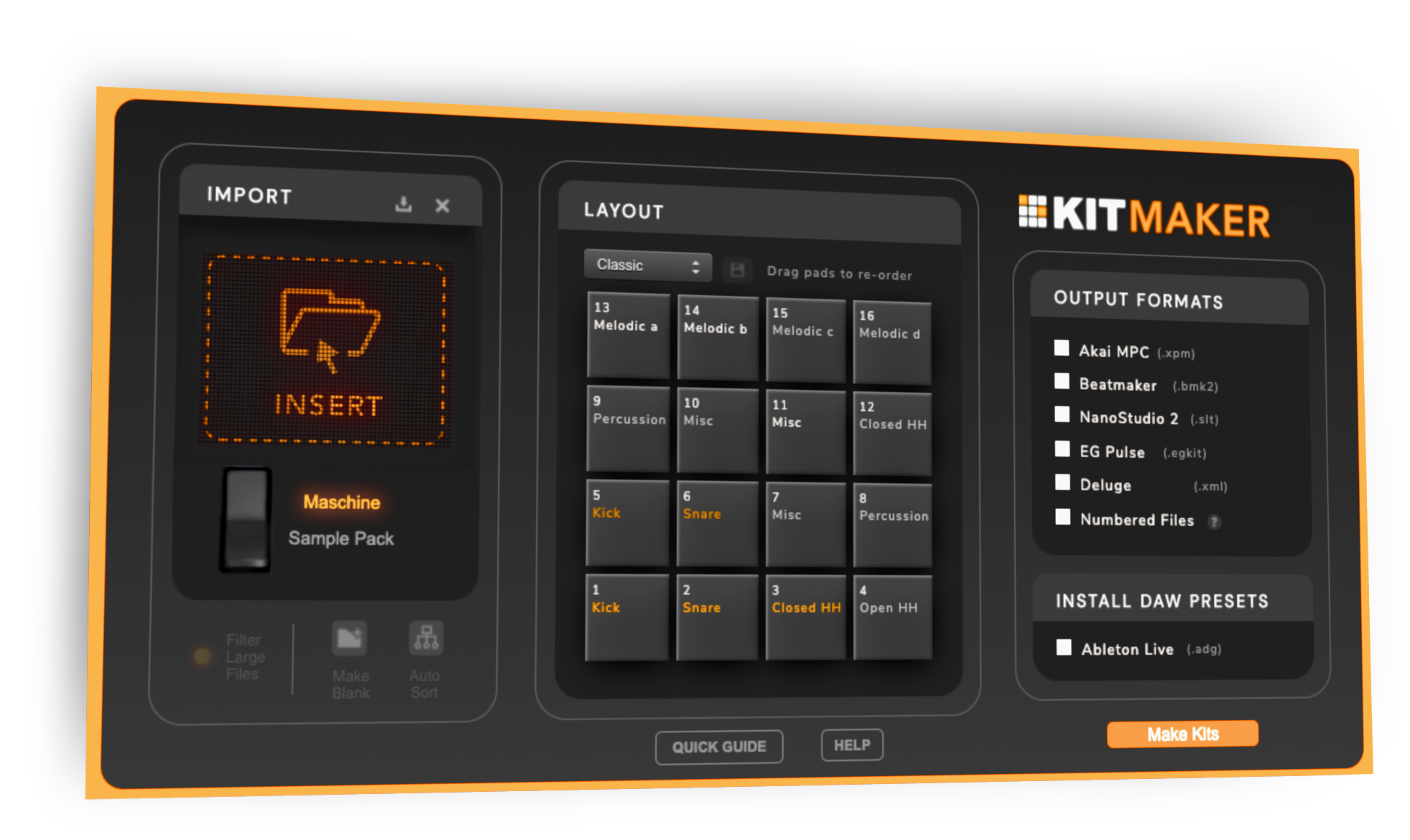
Wondering how to use Maschine in Ableton, or want to level up your Maschine Ableton workflow? Kit Maker converts your samples or Maschine Libraries into individual drum kits ready to import into Ableton Live. Use your drum kits directly in Ableton with no need to load a VST or plugin.
The kits play on Push too, including Push 3 standalone. Using Ableton Move or Ableton Note? The same purchase makes kits for those as well.
For Mac and PC
How to Use Maschine in Ableton
- 1
Import your Expansions
Drag your Maschine Expansion folders, or the Maschine Factory Library, into Kit Maker.
- 2
Kit Maker builds the kits
Every kit in the Expansion becomes an Ableton Drum Rack, converted at once.
- 3
Your kits are in Ableton
The Drum Racks land in your Ableton User Library, organized and ready to load.
You don't need Maschine hardware, or even the Maschine software. Just the Expansion files on your computer.
Your Maschine Expansions, rebuilt as Ableton drum kits
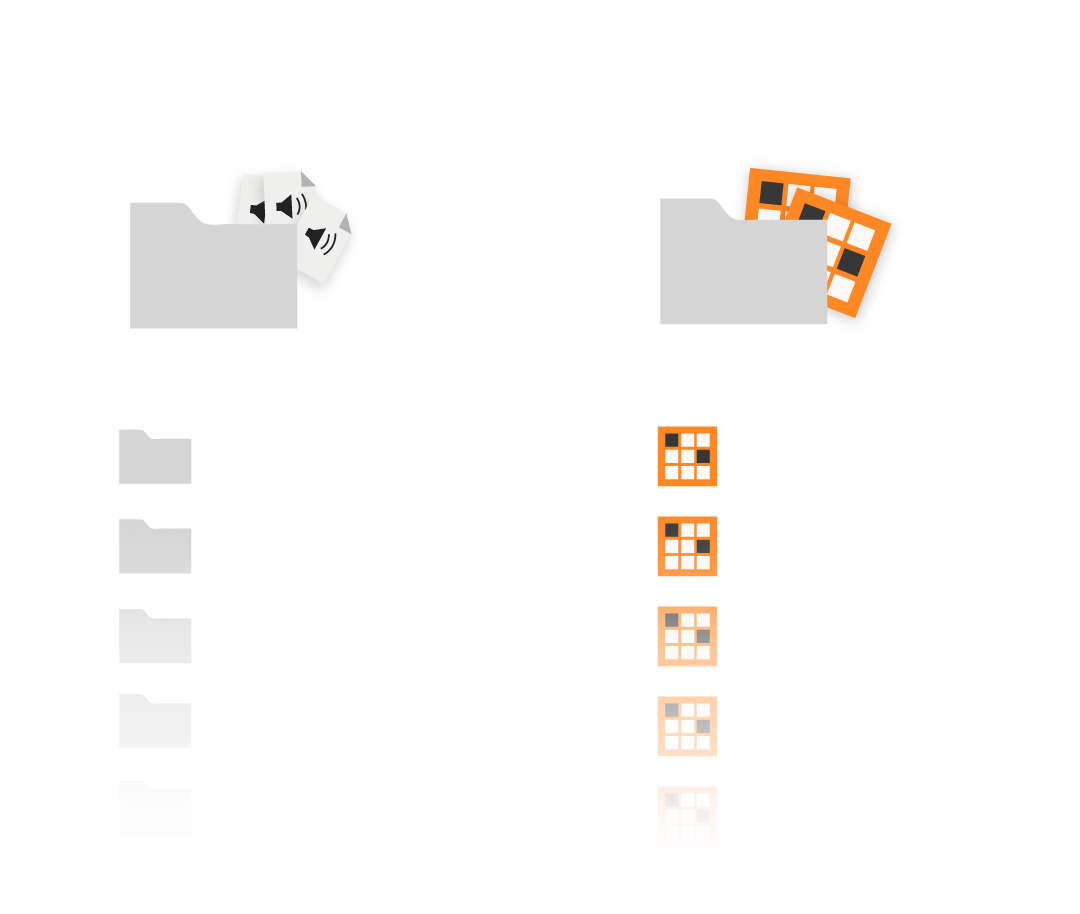
Drag and drop your Maschine Expansions
The Maschine Factory Library and your Expansions both work.
Ableton drum kits are created
Real drum racks you play in Ableton Live, with no VST or plugin to load.
Each kit is organized and labeled
Samples are copied and stored in your Ableton User Library, ready to browse.
Not affiliated with Ableton or Native Instruments.
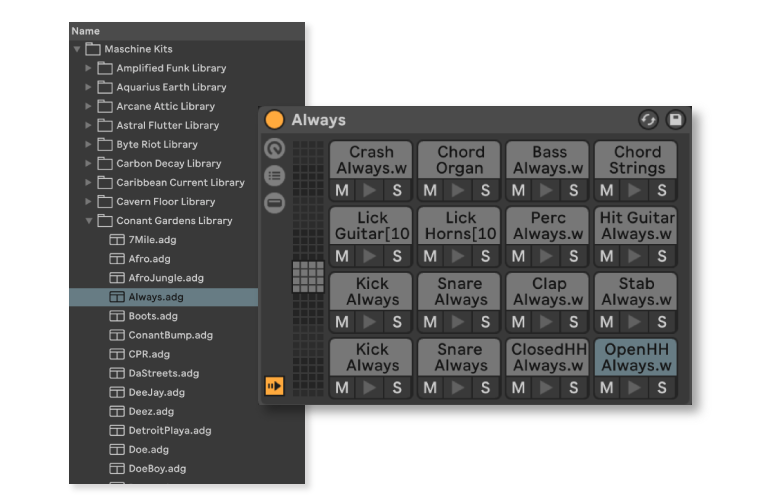
Kits are labeled and organized
The Maschine Factory Library, as well as the Expansions, are easy to process. Each Library you process will be turned into individual Ableton drum kits, ready to use. Using Maschine in Ableton is no longer difficult.
See how it works
Watch the Maschine to Ableton walkthrough on YouTubeKit Maker on the Native Instruments blog
Sanjay C discusses methods of using Native Instruments Maschine drums inside of Ableton.
Looking for something else?
Start Making Kits
For Mac and PC