
J Dilla Drum Loops: a Free, Unofficial MIDI Drum Pack
A free pack of MIDI drum loops inspired by the legendary JD. Dilla was known for his off-kilter, soulful approach to drum patterns, and these loops try to capture the feel that made his beats so iconic.
How to use the J Dilla drum loops
These are MIDI drum loops, not audio loops. Import them into any DAW that accepts MIDI (check your DAW’s manual if you’re not sure how), then load your own drum sounds on top.
They work best at around 85 to 95 BPM, the sweet spot for the laid-back feel Dilla was famous for. Whether you’re a seasoned producer or just starting out, download them, tweak them, and make your own head-nodding classic.
Pick the layout that matches your pads
The download comes in three layouts. The drum patterns are identical in all of them. Only the order of the MIDI notes changes, so choose the one that lines up with how your pads are set up.
- Classic: the typical MPC or Maschine layout, and the right choice for most people.
- Ergonomic: spreads the drums so you can play comfortably with both hands.
- Ableton: matches the note order of a standard Ableton Drum Rack.
Visual drum pad layouts
Which pad each drum is mapped to in each layout.
Classic (MPC)
Ergonomic
Ableton
Download the J Dilla MIDI loops
Turn your sample packs into real kits mapped to your drum pads
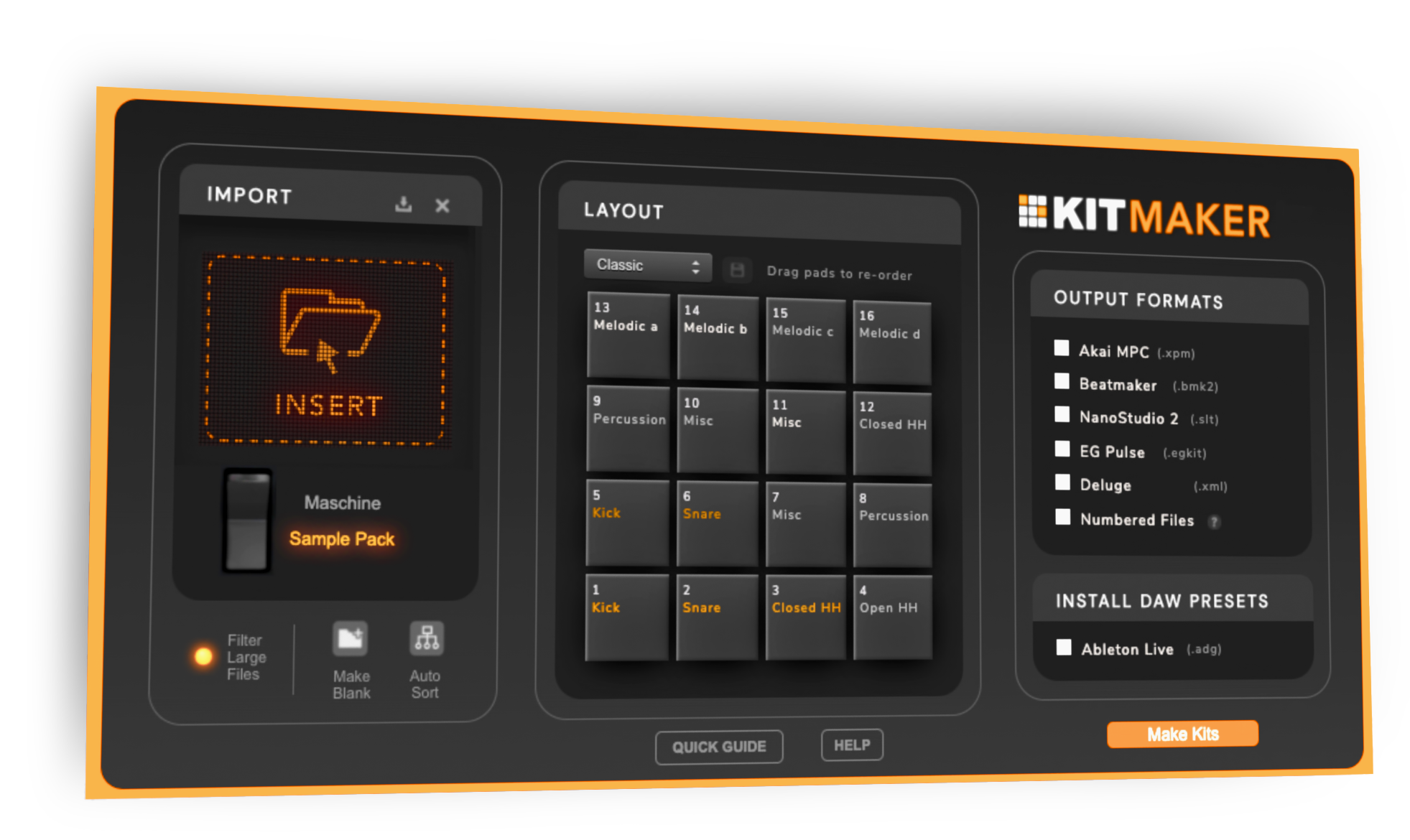
Most drum sample packs are loose folders of kicks, snares and hats. Kit Maker is my app for converting those packs, and your Maschine Expansions, into drum kits with every sound already on the right pad.
Choose the same Classic, Ergonomic or Ableton layout in Kit Maker that you picked for the loops, and the kick, snare and hats are on the pads these MIDI files play. Load any kit and the loops work straight away.
It makes MPC drum kits, Ableton drum kits and plenty of other formats. You don’t need Kit Maker to download or use the MIDI loops.
The download link changes over time, so share this page with friends rather than the download URL.