Make Ableton Move Drum Kits from Your Sample Packs, Automatically

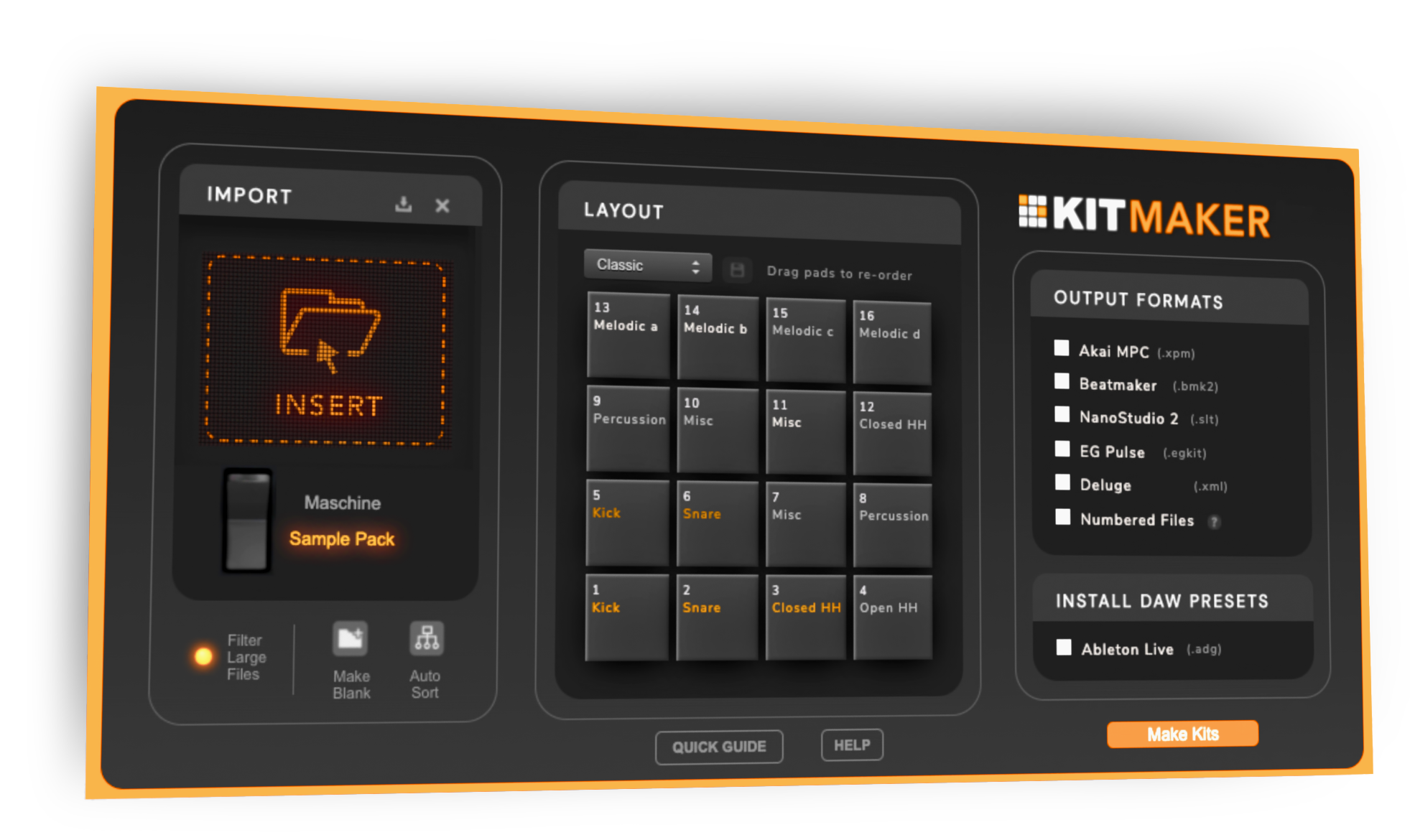
Kit Maker main window

Kit Maker turns the drum packs you already own (and your Native Instruments Maschine Expansions) into organized, ready-to-load drum kits for Ableton Move. Drag in a pack, click Make Kits, and transfer them to your Move with Move Manager. The same kits work in Ableton Note, too.

macOS Windows
App runs on Mac & PC · See compatibility & how to transfer

$35, one-time purchase. No subscription.

Native InstrumentsAs featured on Native Instruments blog
Kit Maker main window
4.8 / 5
300+ reviews on Gumroad
Drag a sample pack into Kit Maker

From Sample Packs to Move-Ready Kits

  • 1

    Drop in your packs

    Any drum packs (Splice, Loopmasters, or your own) and Maschine Expansions you already have.

  • 2

    Kit Maker builds the kits

    Automatically, for Ableton Live, Move, Note and any supported DAW.

  • 3

    Laid out as real kits

    Samples sorted onto the right pads: kicks, snares and hats in a logical, playable layout.

No tidy folders? Kit Maker still builds kits from a loose pack by reading the filenames.

On your Move, organized and ready to load

Transfer your kits with Move Manager and they show up labeled and laid out, with kicks, snares and hats where you expect them. Loading a fresh kit on your Move takes seconds. See how to transfer kits to Move →

A Maschine Expansion rebuilt as an Ableton Move kit

Use your Maschine kits in Ableton Move, too

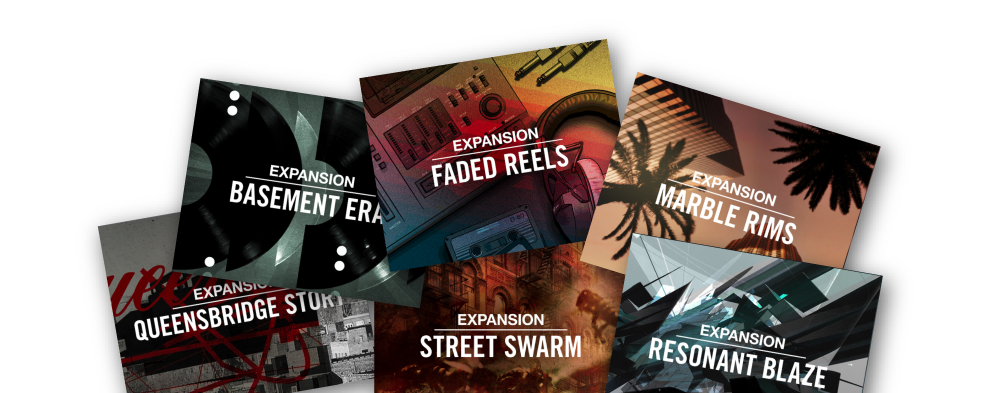
Own Native Instruments Maschine Expansions? Kit Maker reads them and rebuilds those sought-after drum kits as Ableton Move presets, so you get the Maschine sounds you love on your Move, without leaving your setup. The Maschine Factory Library works too. See the full Maschine guide →

Native Instruments
Native Instruments featured Kit Maker on their blog:“No Maschine hardware? Here’s how to use its sounds, kits and Expansions in any DAW.”Watch the video →

Swap kits, hear new sounds on your patterns

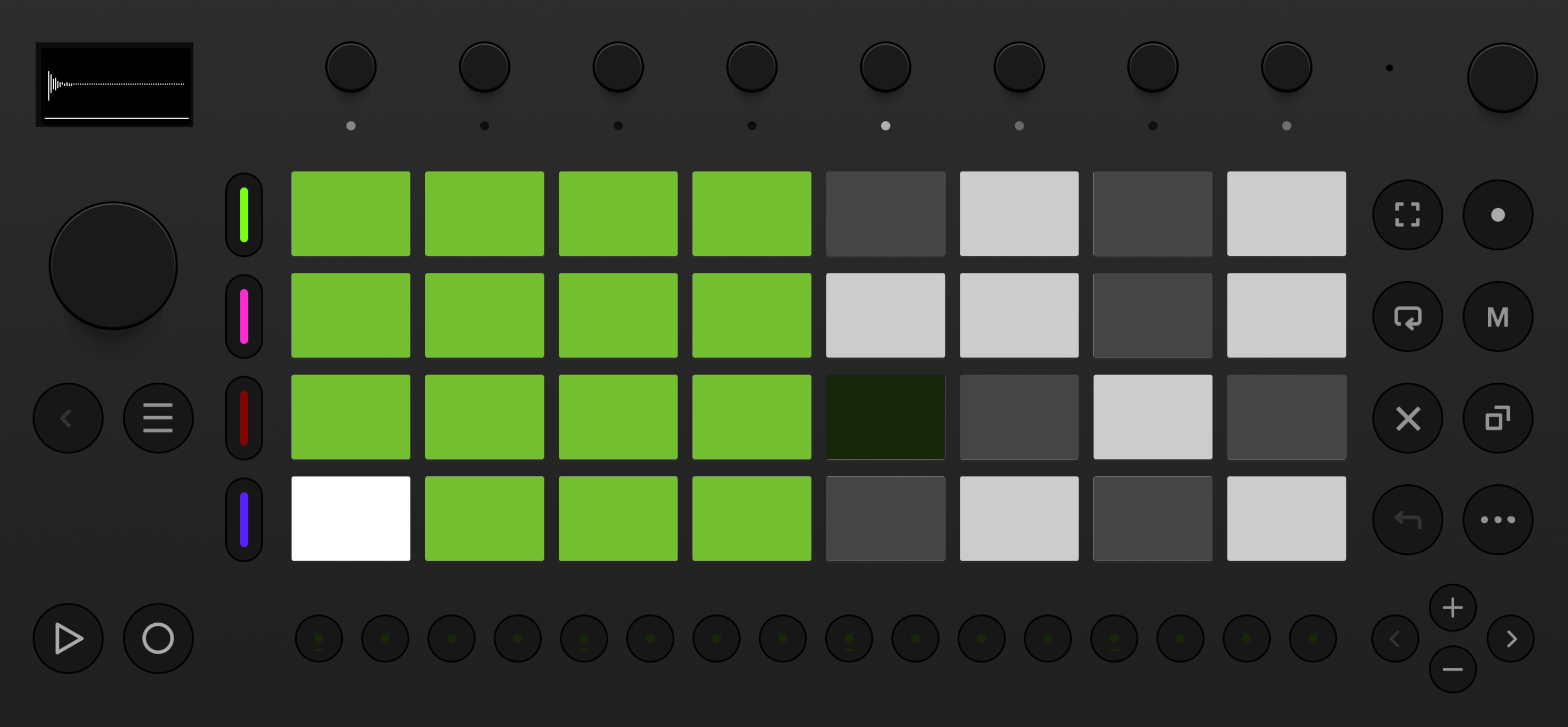
Kit Maker sorts each sample onto the right pad. Every kit uses the same pad layout, so kicks, snares and hats always land in the same spots.

So you can lay down a beat on your Move, swap to a completely different kit, and instantly hear your pattern with brand-new sounds. The layout stays put, so there’s nothing to relearn and nothing to rebuild.

A Kit Maker kit loaded across the Ableton Move pad grid
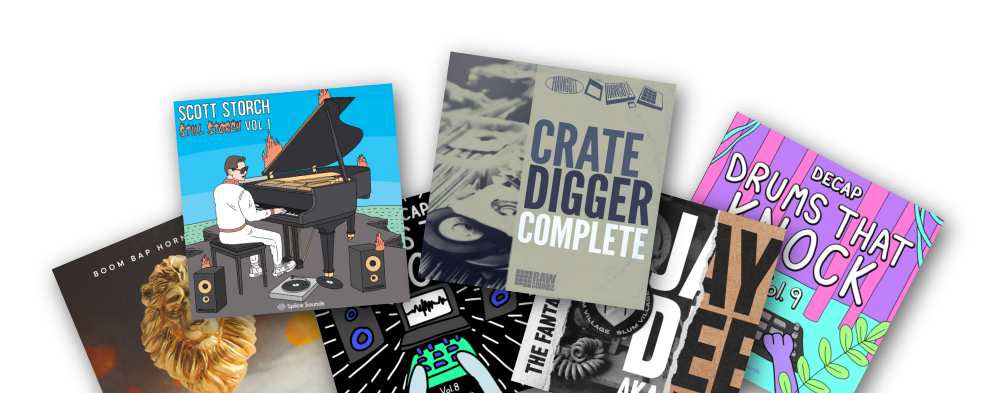
Native Instruments Beat Traptendo Decap Jeff Gibbons Transmission Samples

“Game changing — very useful tool for making custom kits.”

— Customer Review

“Saves me so much time building kits. Exactly what I needed.”

— YouTube Comment

“A very useful tool — not just for converting NI stuff, but even your own custom packs.”

— Ave Mcree

Works with Ableton Move

Kit Maker runs on your Mac or PC to build the kits, then you transfer them to your Ableton Move with Move Manager. The same .ablpresetbundle files also open in the Ableton Note app.

Make the kits on

macOS · Windows (Kit Maker desktop app)

Play the kits on

Ableton Move (transferred with Move Manager)

Format & transfer

.ablpresetbundle · Move Manager (move.local) · also works in Ableton Note

Source material

Drum sample packs (Splice, Loopmasters & more) · Native Instruments Maschine Expansions & Factory Library

Looking for desktop Ableton Live kits instead? Kit Maker makes Ableton Live Drum Rack kits (.adg) as well. Not affiliated with Ableton or Native Instruments.

How to load a kit onto Ableton Move

  1. Make your kits in Kit Maker using the Ableton Move & Note format. It creates .ablpresetbundle files, one per kit.
  2. Connect your Move to the same Wi-Fi as your computer (or plug in over USB-C).
  3. Open Move Manager at move.local in your browser, go to the Presets tab, and drag your .ablpresetbundle files in.
  4. On your Move, scroll to the bottom of the preset categories to User Presets. Your kits are there, ready to play. (Full guide → how to transfer kits to Move.)

Make Kits for Ableton Live & Ableton Note

Your one $35 purchase covers every Ableton format: Live, Move, and Note.

Kit Maker builds those kits too.

Ableton Live Ableton Note

Questions, answered

What format are the kits, and how do I get them onto my Move?

Kit Maker makes kits in Ableton’s .ablpresetbundle format. You transfer them to your Move with Move Manager: open move.local in your browser and drag the files into the Presets tab (full steps above, and a step-by-step transfer guide).

Do the kits work with Ableton Note as well?

Yes. Move and Note use the same .ablpresetbundle format, so the kits you make load in the Ableton Note app too.

Can it really convert my Maschine Expansions?

Yes. Kit Maker reads Native Instruments Maschine Expansions (and the Factory Library) and rebuilds those kits as Ableton Move presets (largely faithful, with a few limitations). Native Instruments has even featured it as an option for Expansion owners.

Do I need to own the sample packs already?

Yes. Kit Maker organizes packs you provide; it doesn’t include sounds of its own. Import the drum packs (or Maschine Expansions) you already own and it builds the kits.

Is it a subscription? Mac and PC?

No subscription. Kit Maker is a one-time purchase of $35. It runs on both macOS and Windows.

Still have questions? Visit the Kit Maker FAQ, or make kits for Ableton Live.

Start making Ableton Move kits from packs you already own

$35, one-time purchase. No subscription. · For Mac & PC

$35, one-timeBuy Now